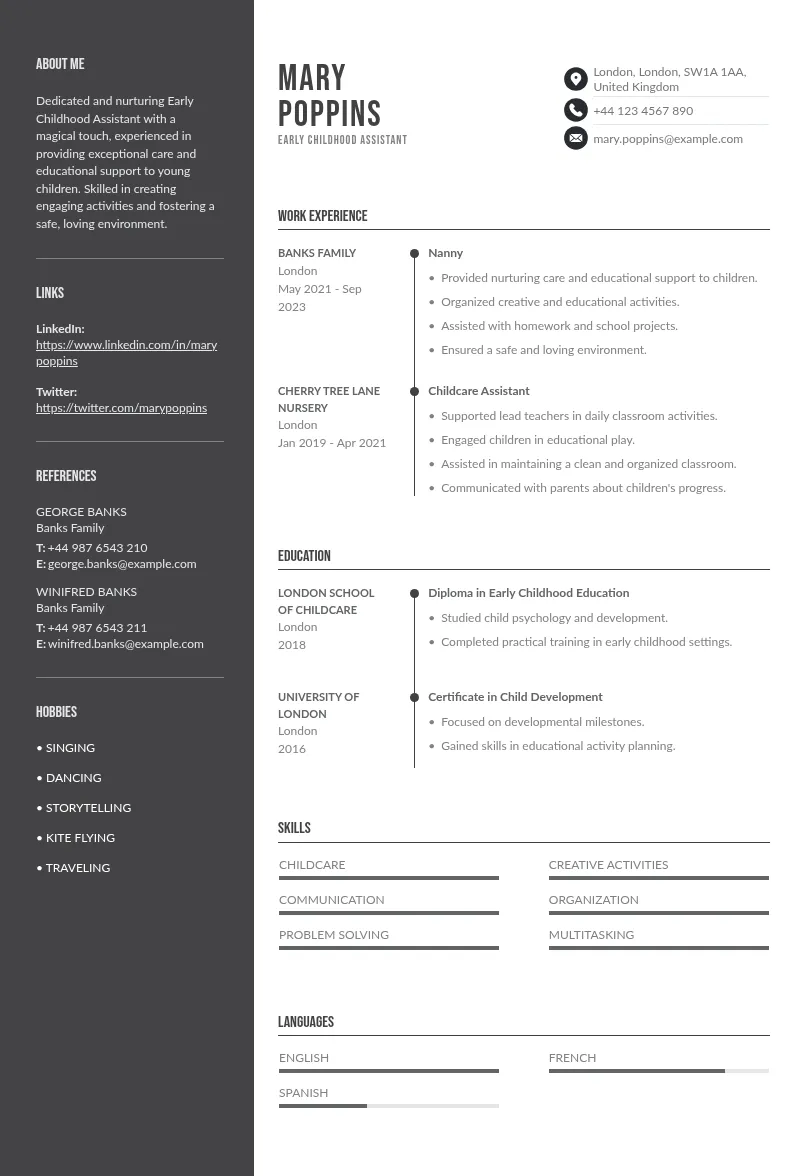
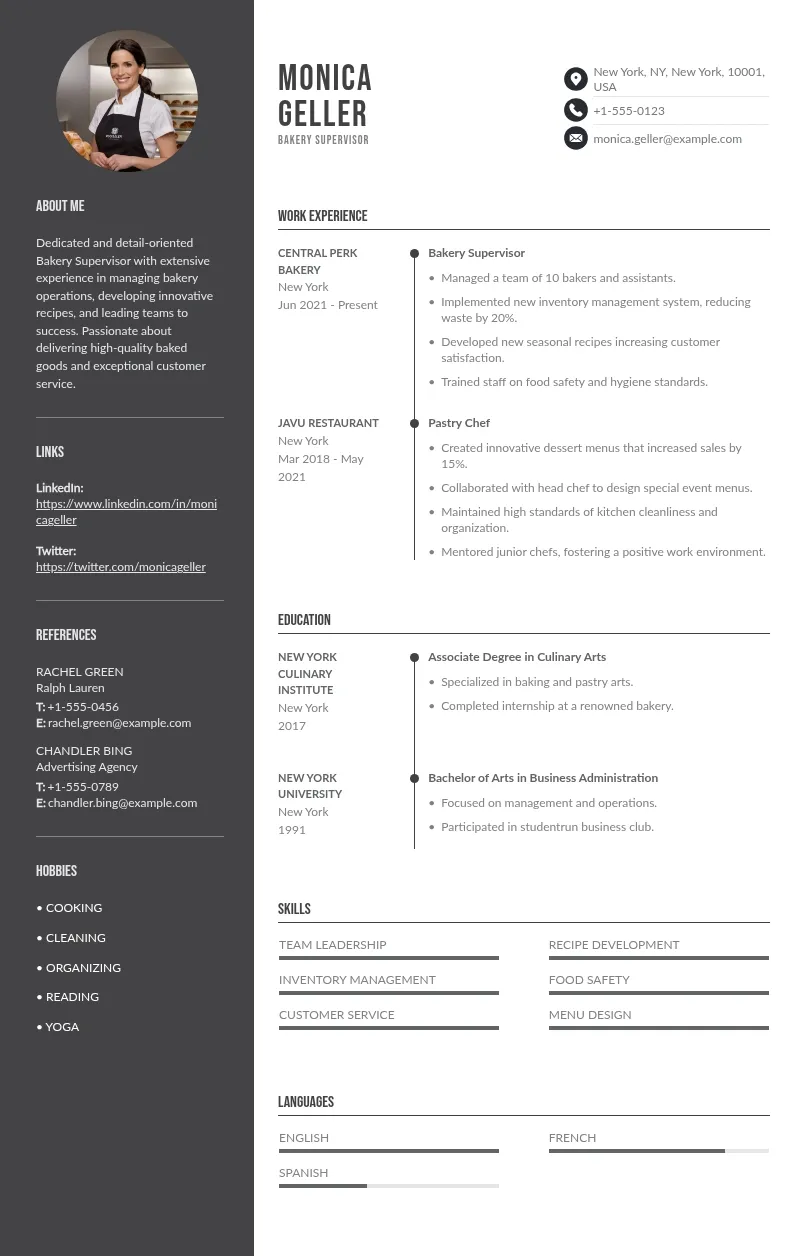
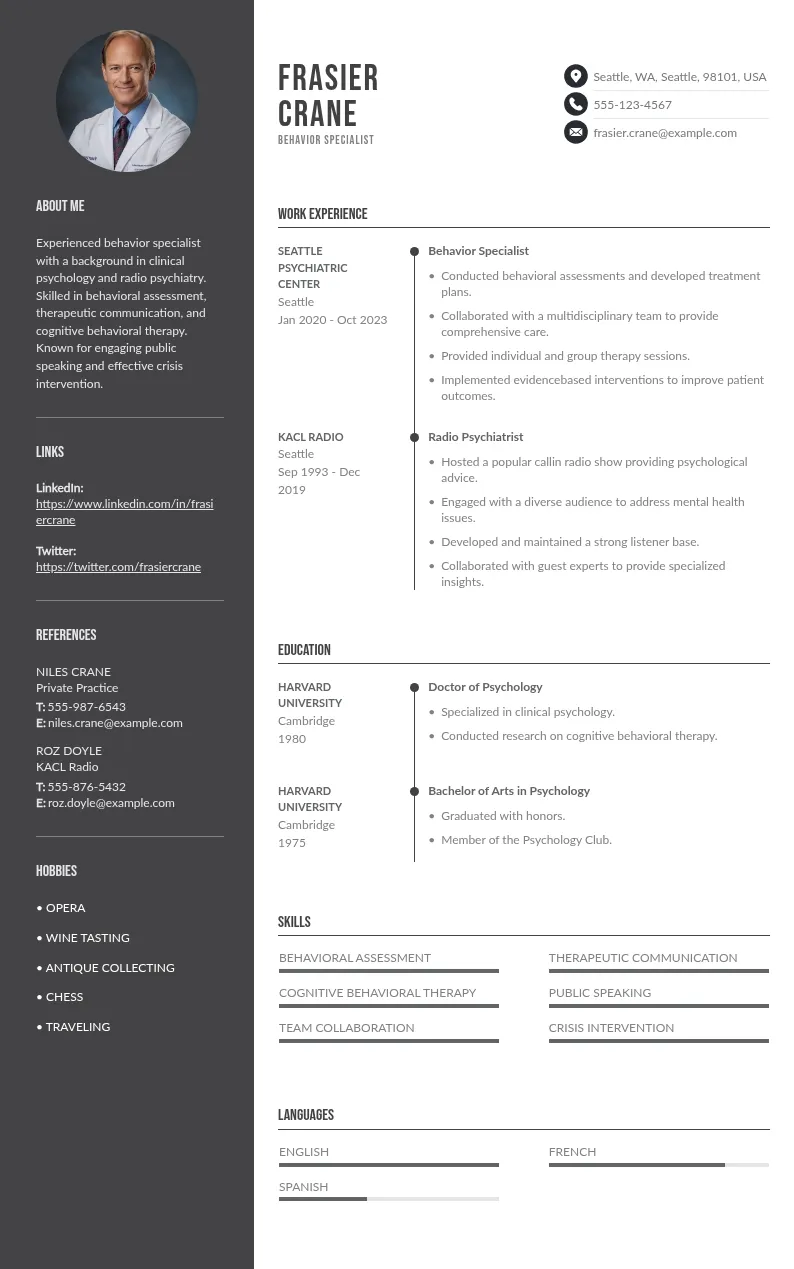
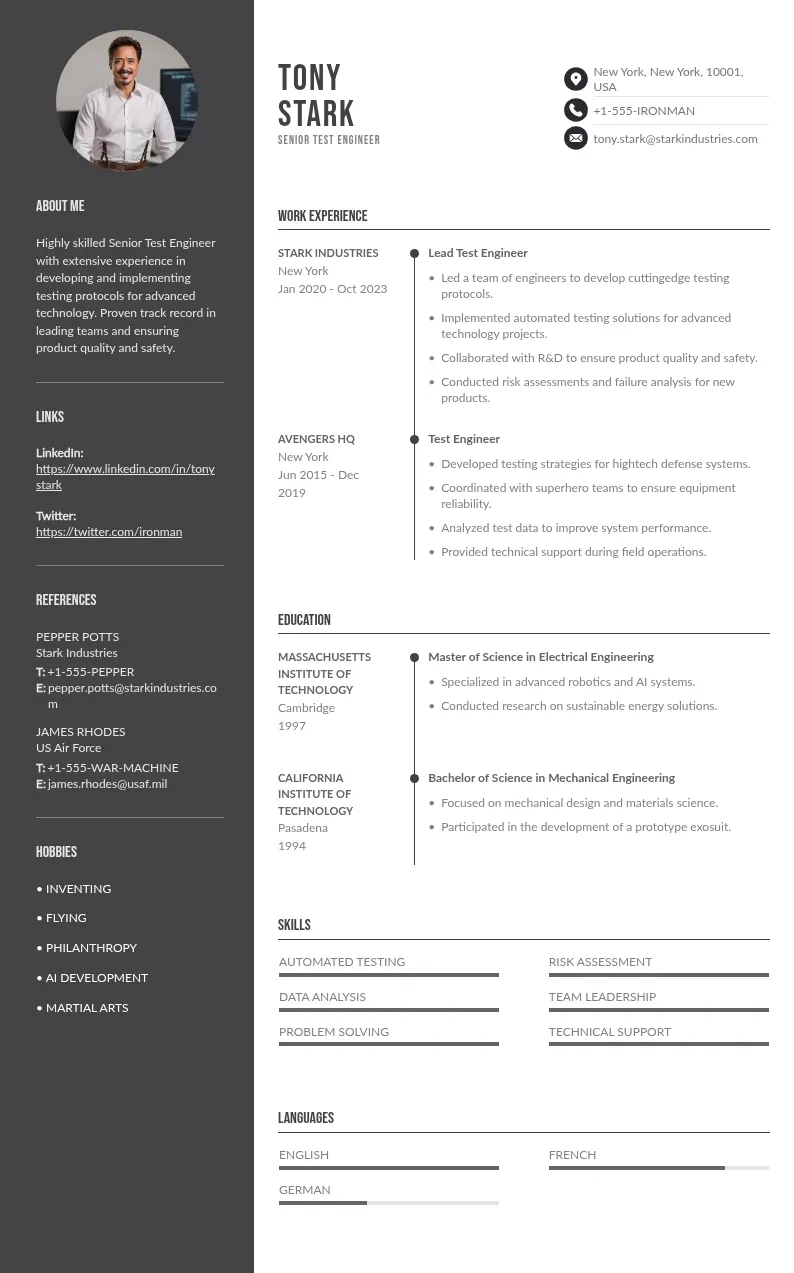
You spent hours perfecting your resume. You hit submit. But… nothing. No callback. No email. Not even a rejection. Your resume probably never reached a human. It was filtered out by an Applicant Tracking System (ATS): software that scans, parses, and ranks applications automatically before any recruiter sees them.


[First Name] [Last Name] [Phone Number] | [Professional Email: firstname.lastname@domain.com] | [LinkedIn URL] | [City, State]
PROFESSIONAL SUMMARY
[Job Title] with [X] years of experience in [core area of expertise]. Proficient in [Skill 1], [Skill 2], and [Skill 3]. [Key achievement with a number or percentage — e.g. "Reduced costs by 30% through..."]
SKILLS
[Skill/] | [Skill] | [Skill] | [Skill] |
[Skill] [Write the full term AND acronym at least once, e.g. Search Engine Optimization (SEO)]
WORK EXPERIENCE
[Your exact job title as used in the industry] — [Company Name] | [Month Year] – [Month Year]
[Your exact job title as used in the industry] — [Company Name] | [Month Year] – [Month Year]
EDUCATION
[Degree — e.g. Bachelor of Science in Marketing] [University Name] | [Graduation Year] [Honors or relevant coursework — delete this line if not applicable]
CERTIFICATIONS
[Certification Name] — [Issuing Organization] | [Year]
LANGUAGES
[Language] — [Native / Fluent / Conversational]
Nowadays, over 97% of Fortune 500 companies and most mid-size employers use ATS software. That means choosing the right ATS format for your resume is the very first thing you need to get right… before writing a single bullet point.
This guide covers everything: what makes a resume ATS-friendly, the best resume format for ATS systems, how to convert your current resume to ATS format, and the exact structure you need to rank higher than other candidates.
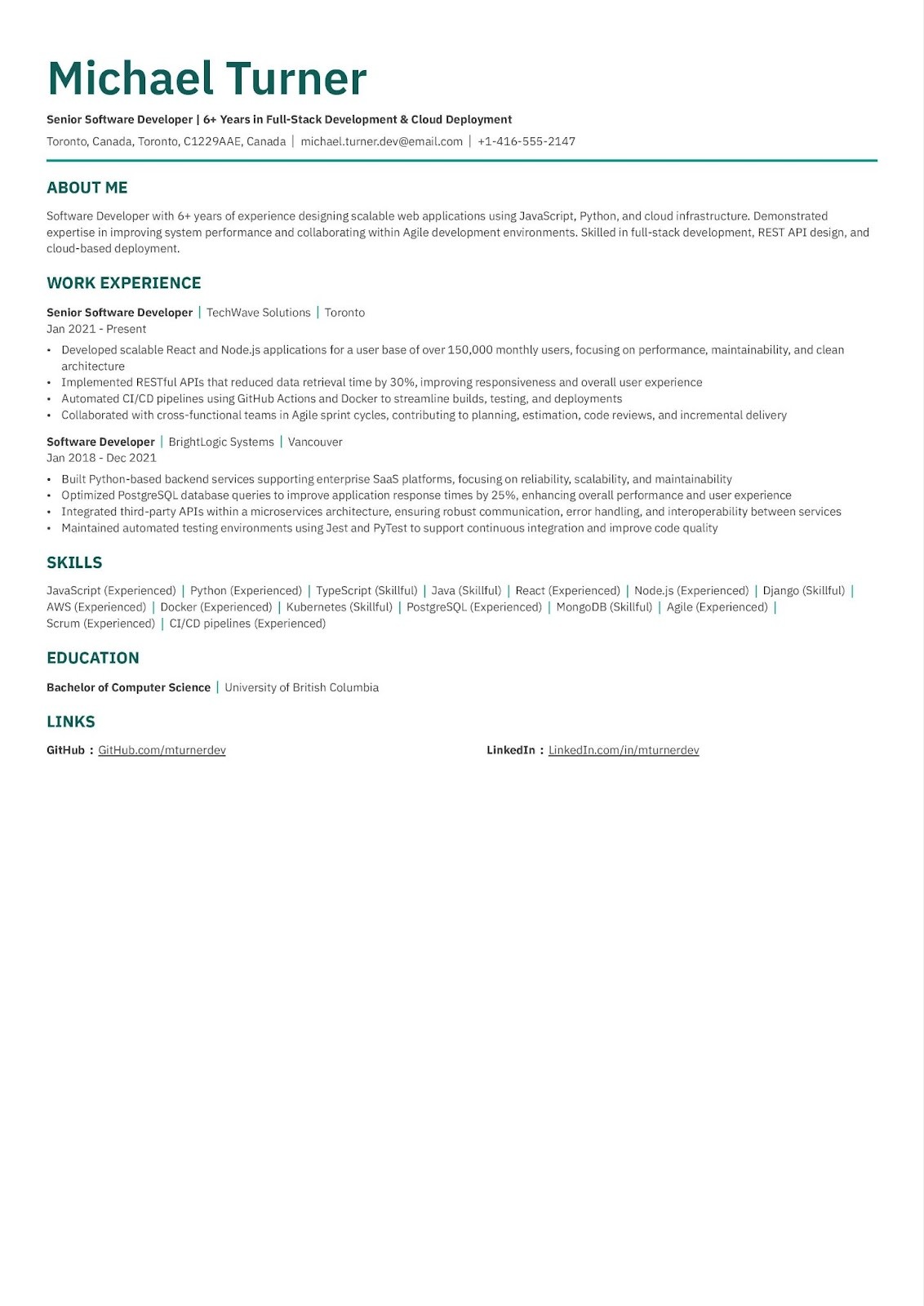
Practical ATS Tips
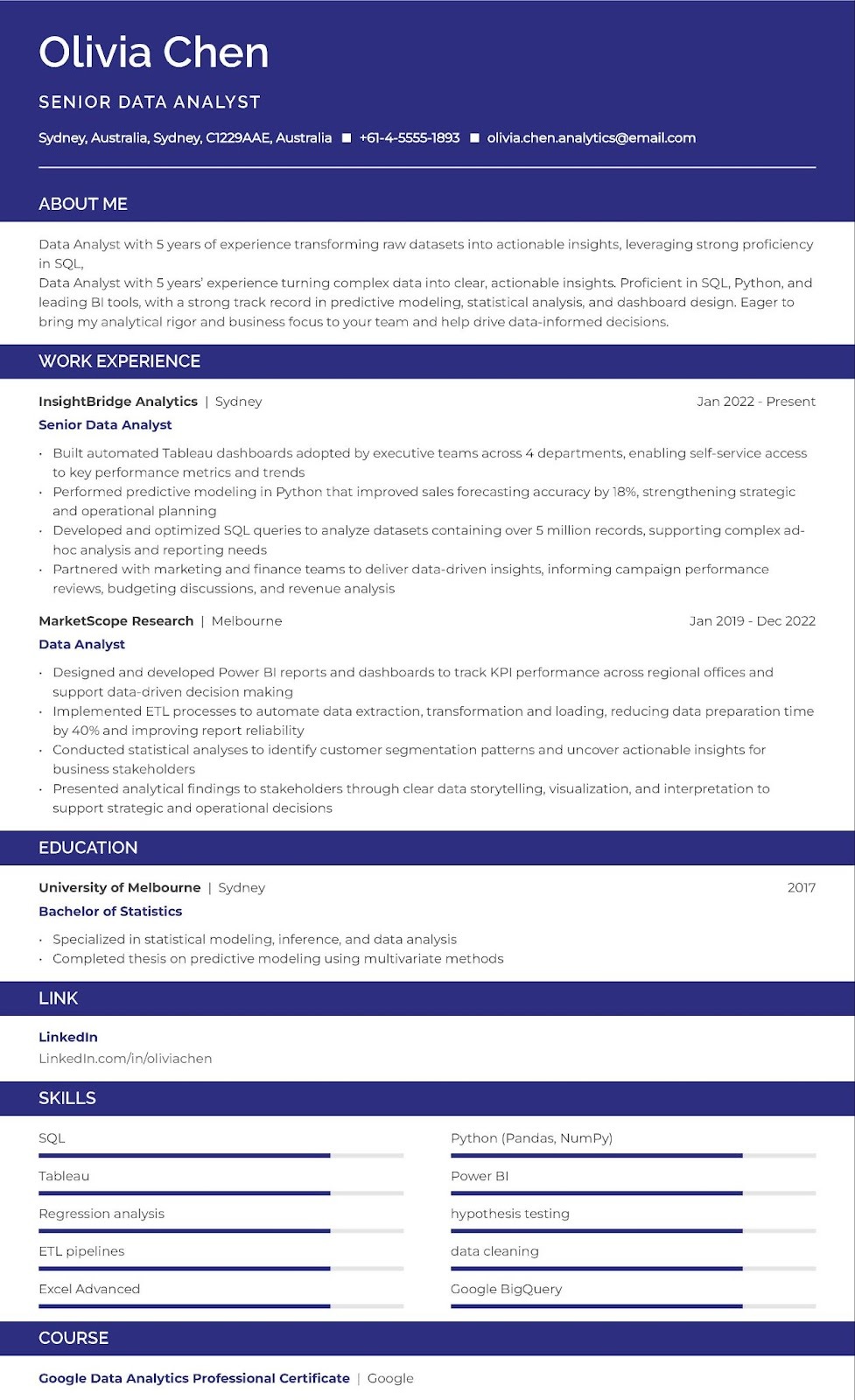
Practical ATS Tips

Practical ATS Tips
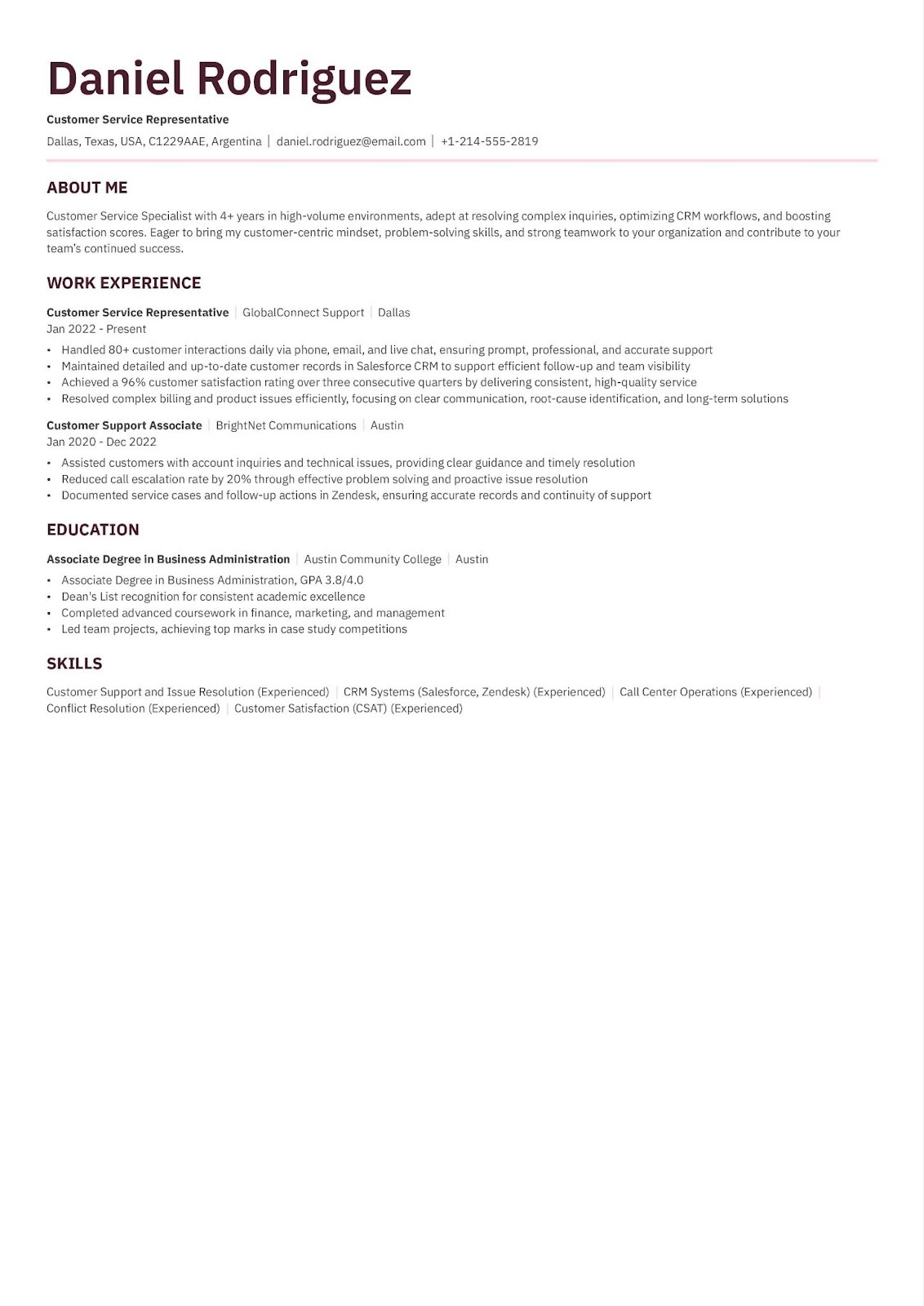
Practical ATS Tips
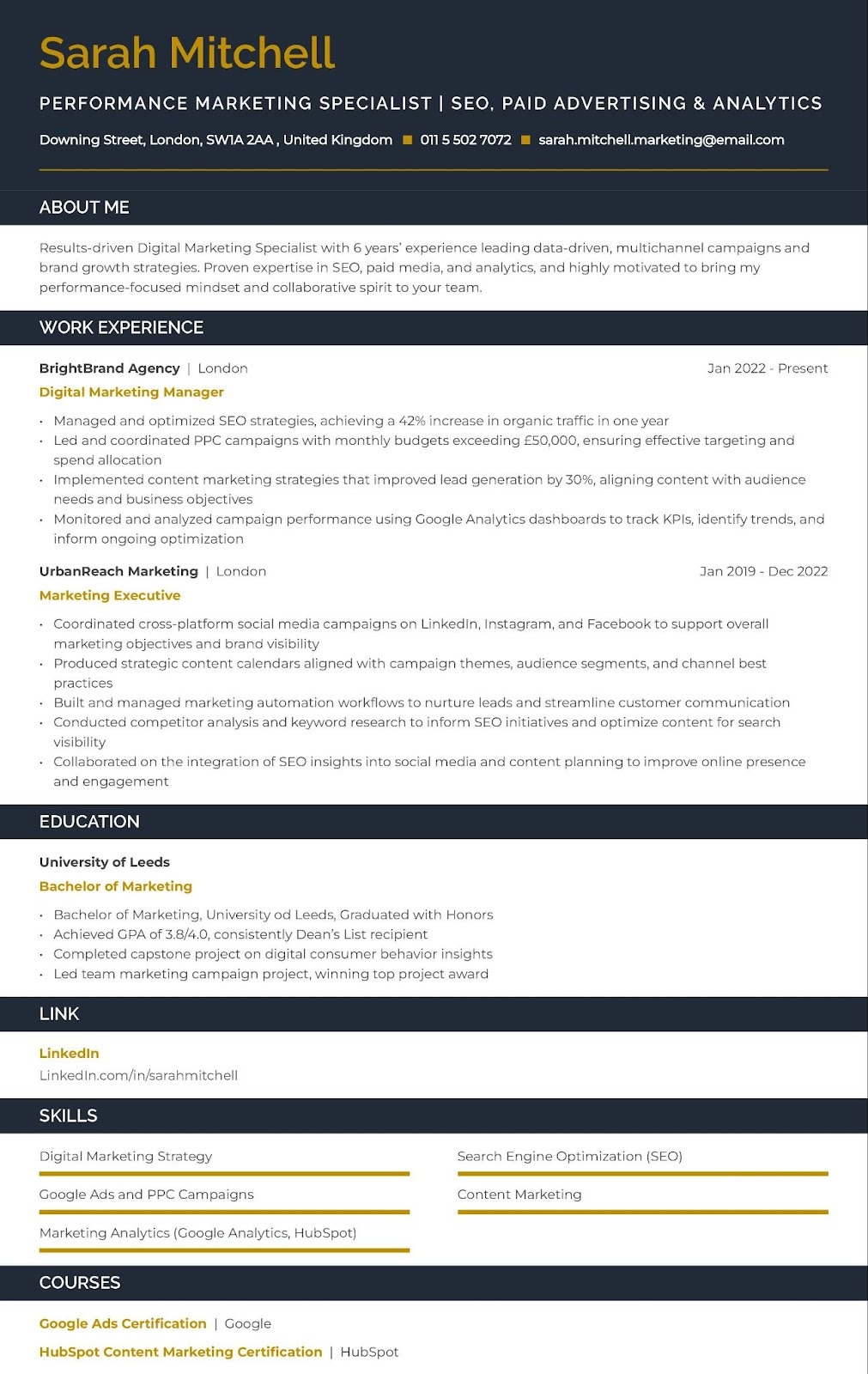
Practical ATS Tips
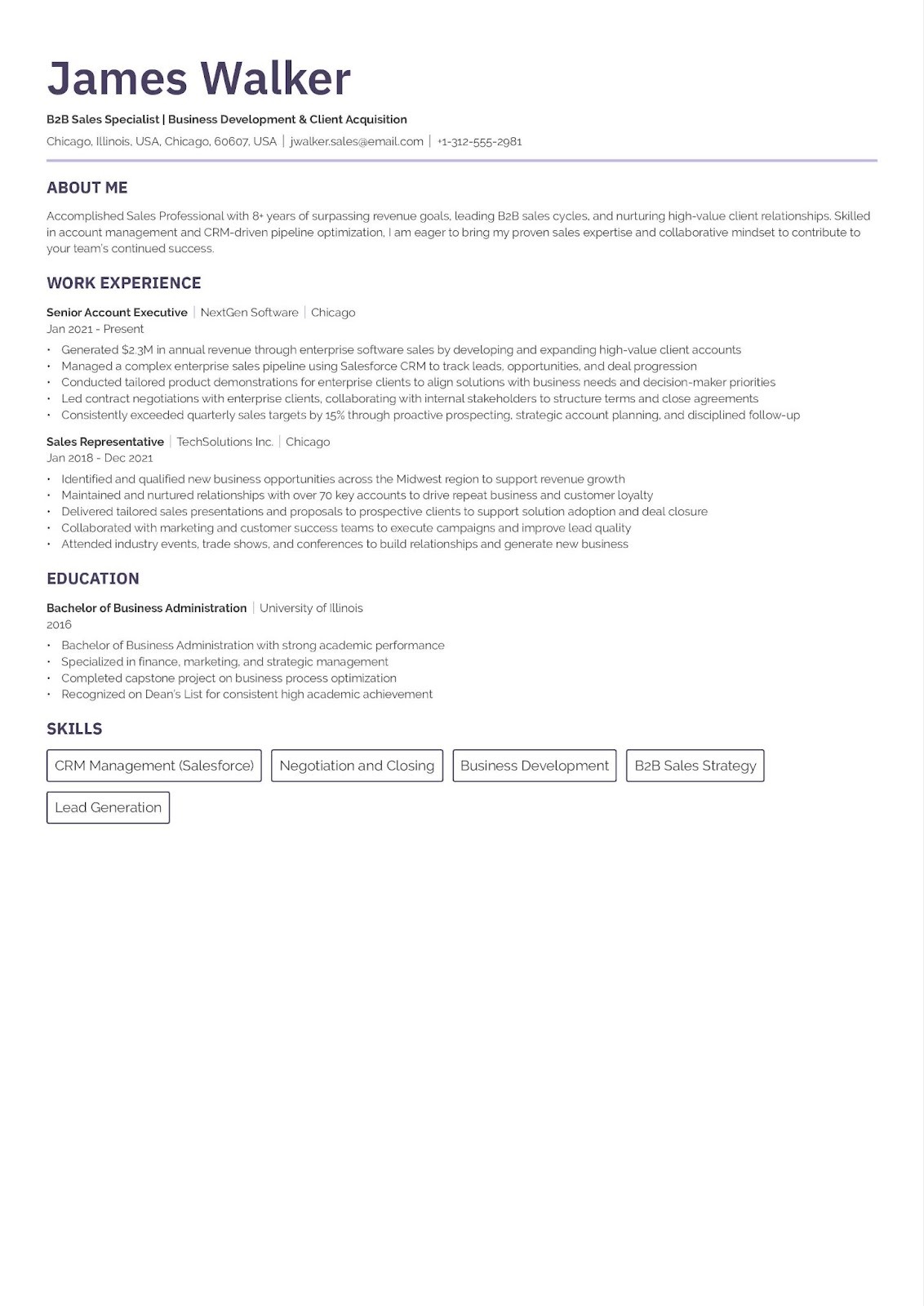
Practical ATS Tips
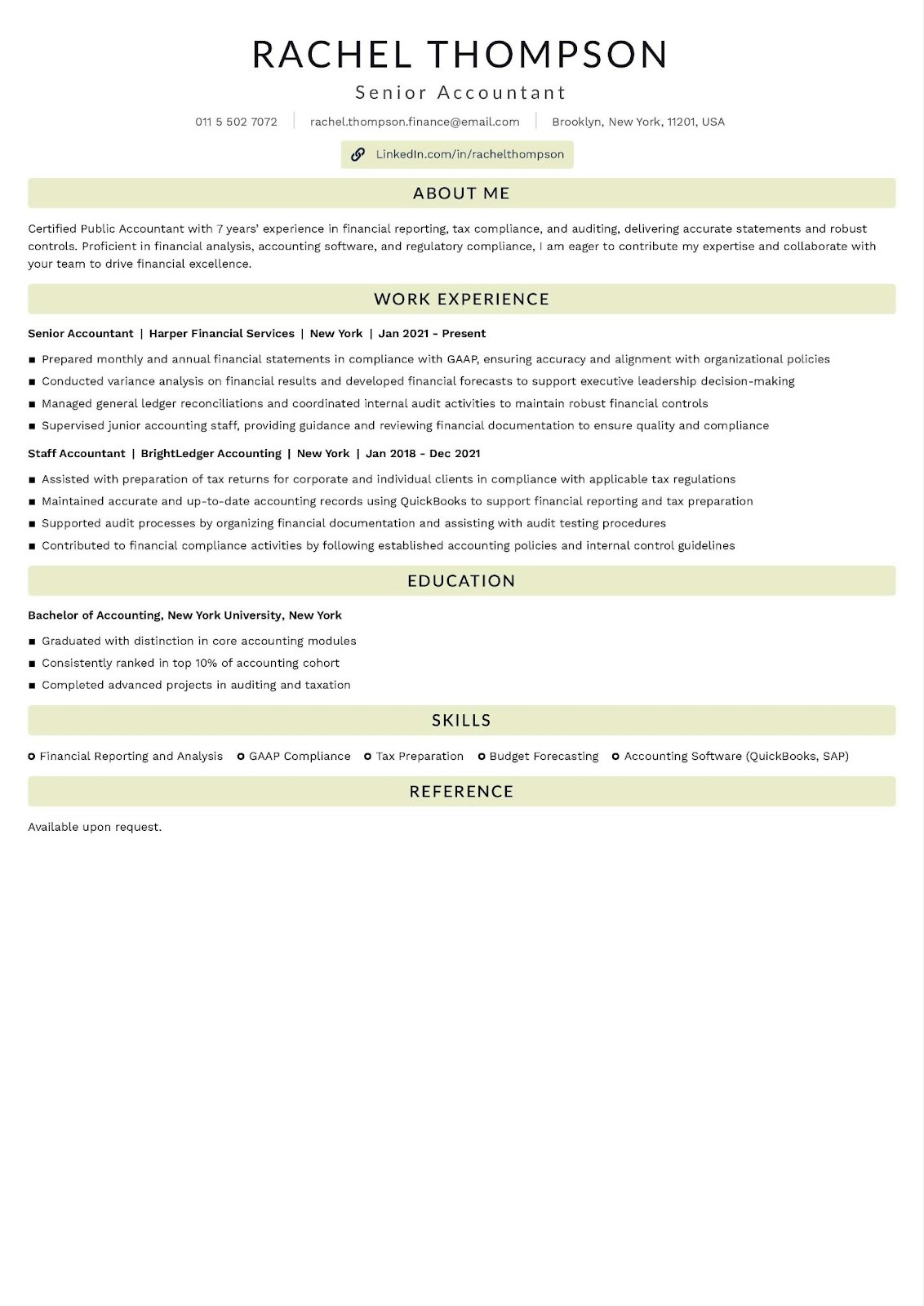
Practical ATS Tips
Before picking a format, you should understand what the software actually does with your file.
When you submit an application, the ATS runs three steps:
1. Parsing
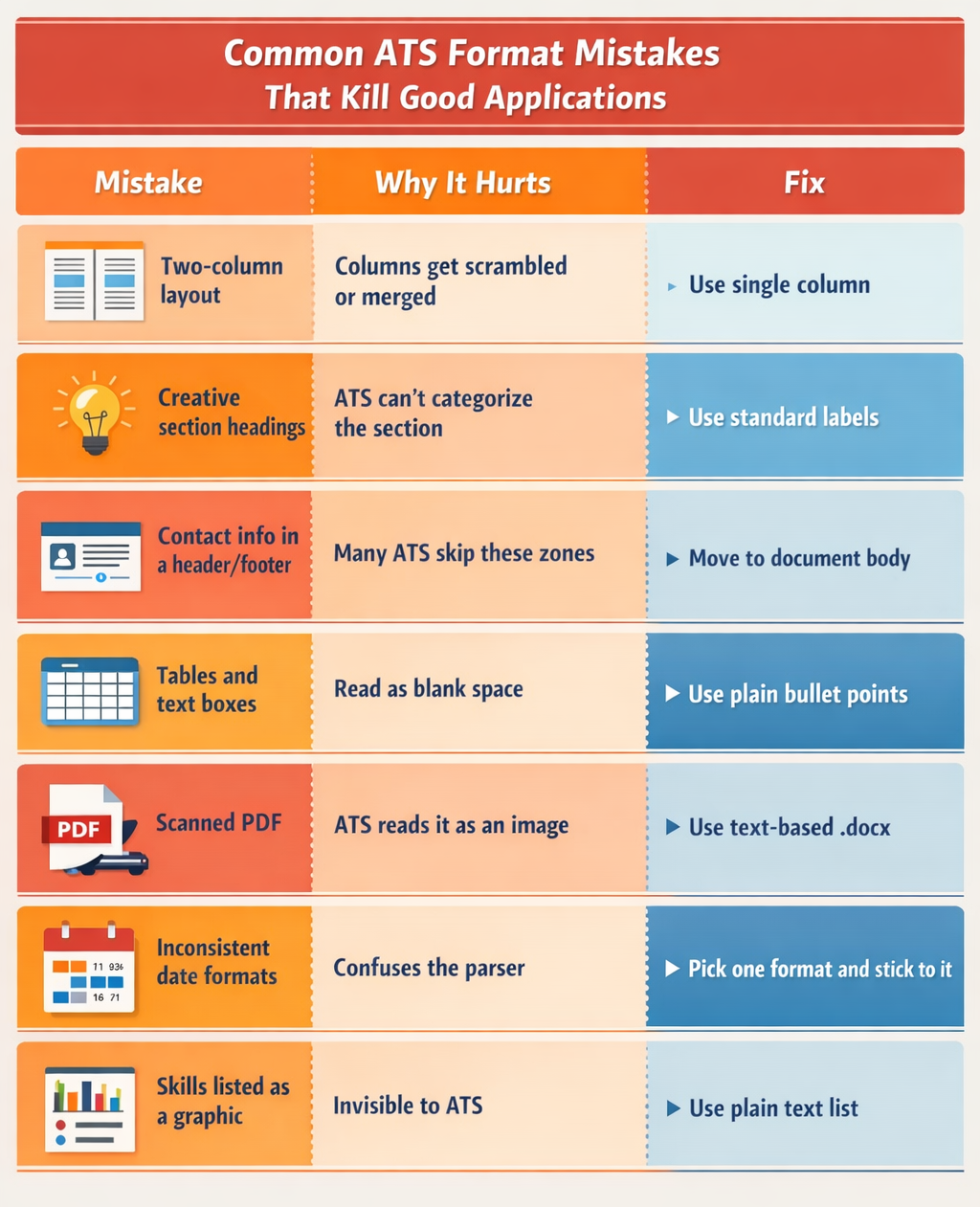
The system extracts your data: name, contact details, job titles, dates, skills, education. If your layout is too complex — tables, columns, graphics — the parser misreads or skips entire sections. Your most important information becomes invisible.
2. Keyword matching
The ATS compares your resume against the job description and assigns a relevance score. The closer your language matches the posting, the higher you rank.
3. Ranking
Your application is sorted against every other candidate. Recruiters typically only open the top results.
There are three resume formats in common use. They are not equally ATS-compatible. Here's what you need to know about each.
List your jobs from most recent to oldest. That's the core of this format.
Use it if: You have a relatively consistent work history, with no major gaps.
Why ATS adopts it better ? Because it’s predictable: ATS systems are built to find job titles, employer names, and dates… in a specific sequence. The reverse chronological layout delivers exactly that. It parses cleanly across virtually every ATS platform in use today, from Workday to Taleo to Greenhouse.
 Example:
Work Experience
Senior Marketing Manager — Acme Corp (Jan 2021 – Mar 2024)
Marketing Manager — BrightMedia (Jun 2018 – Dec 2020)
Skills and competencies lead the resume. Work history is listed briefly or without dates.
Choose it if: You're changing careers, have employment gaps, or are re-entering the workforce after a break.
Many ATS systems struggle with this format. Without clear job titles and dates tied to each role, the software can't properly score your experience, which drives your ranking down. If you go this route, always include a short work history section with dates to give the ATS something to work with.
A dedicated skills section at the top, followed by a full reverse chronological work history.
Use it if: You have strong, relevant skills AND a solid work history. It’s particularly effective for tech professionals, project managers, or career changers with transferable skills.
With this structure, the skills section gives the ATS a dense block of keywords upfront, boosting your relevance score immediately. The chronological work history then gives the parser the structure it expects.
Already have a resume? You may not need to rewrite it from scratch. In many cases, you just need to convert your resume to ATS format by making a few targeted changes.
Here's a practical conversion checklist:
Step 1 - Strip the design. Remove all columns, tables, text boxes, icons, and graphics. These elements break ATS parsers. Save a clean, single-column version specifically for online applications.
Step 2 - Fix your section headings. Replace creative headings ("What I Bring", "My Story", "Core Strengths") with standard labels: Work Experience, Skills, Education, Certifications. ATS systems look for these exact terms to categorize your content.
Step 3 - Move contact info out of headers. Many ATS platforms skip document headers entirely. Place your name, email, phone number, and LinkedIn URL directly in the body of the document.
Step 4 - Change your file format. Save as .docx for most applications. It parses more reliably than PDF across the majority of ATS platforms. Only use PDF if the job posting explicitly requests it: make sure it's a text-based PDF, never a scanned image.
Step 5 - Add keywords from the job description. Read the posting carefully. Identify the skills, tools, and job titles mentioned most frequently. Weave them naturally into your summary, skills section, and bullet points.
Step 6 - Test it. Paste your resume into a plain text editor (like Notepad). If the structure looks messy or information is out of order, your ATS parser will have the same problem. Fix what looks broken.
Whether you're building from scratch or making an ATS version out of the old CV, these formatting rules apply universally.
The order of your sections matters. ATS systems are trained to find information in specific places. Stick to this sequence.
At the very top of the document body — not inside a header.
Include: full name, phone number, professional email address, LinkedIn URL, city and state.
James Carter
(555) 987-6543 | james.carter@email.com
linkedin.com/in/jamescarter | Chicago, IL
A short, punchy paragraph that signals to both the ATS and the recruiter exactly what you offer.
Write it around the target job title and 2–3 keywords from the job description.
 Weak:
Weak:"Dedicated professional seeking new opportunities in a dynamic environment."
Strong:
"Data Analyst with 6 years of experience turning complex datasets into actionable business insights. Proficient in Python, SQL, and Tableau. Track record of reducing reporting time by 40% through automated dashboard solutions."
This is your primary keyword zone. Use it deliberately.
Skills: Python | SQL | Tableau | Data Visualization | Excel |
Machine Learning | ETL Pipelines | Google Analytics
The most heavily weighted section in any ATS format for your resume.
For each role, include:
Examples:
Weak:"Responsible for managing the company's social media presence."
Strong:
"Grew LinkedIn follower count from 8,000 to 31,000 in 12 months by launching a weekly thought leadership series, increasing inbound lead inquiries by 22%."
List your highest degree first. Include: degree name, institution, graduation year. Add honors or relevant coursework only if it adds value.
Add only what's relevant to the role. Use standard labels (Certifications, Languages, Publications) so that the ATS can categorize them correctly.
Your resume format determines whether the ATS can read you. Your keywords determine how highly it scores you. Both matter equally.
How to find the right keywords:
Read the job description from top to bottom. Highlight every skill, tool, certification, and job title that appears more than once. These are the terms the ATS is explicitly programmed to look for.
Where to place them:
The highest-impact placement zones are: your professional summary, your skills section, and the opening bullet of each job entry. Keywords buried at the bottom of long paragraphs carry less weight.
What to aim for:
A keyword match rate of 70–80% against the job description is the target. Tools like Jobscan or Rezi can measure this automatically and show you exactly what's missing.
What to avoid:
Don't stuff keywords unnaturally. Don't paste hidden white text into your document. Modern ATS platforms use AI to detect both tactics — and both will get your application flagged or rejected.
Run through this before you submit:
Making an ATS resume is about making sure the software can actually read what you've written, so your real qualifications get in front of a real person.
The best resume format for ATS systems is one that's clean, structured, and keyword-aligned. Single column. Standard fonts. Reverse chronological order. Language that mirrors the job posting… Get those four things right consistently, and you'll pass the filter that stops most applicants before they even get started.
Our collection of expertly designed cover letter templates will help you stand out from the crowd and get one step closer to your dream job.