

Word CV Templates - Create and download your resume in DOCX
Choose a professional template, edit it online, and export your CV in Word format
Browse modern CV templates designed for Microsoft Word users. Select a layout, customize it in our easy online editor, and download your finished resume in DOCX format compatible with Microsoft Word.
Each template opens directly in our CV builder, where you can:
- Edit text, layout, and sections in minutes
- Customize your CV for any job or industry
- Export a ready-to-use DOCX or PDF file
Resume Templates (Curriculum Vitae)


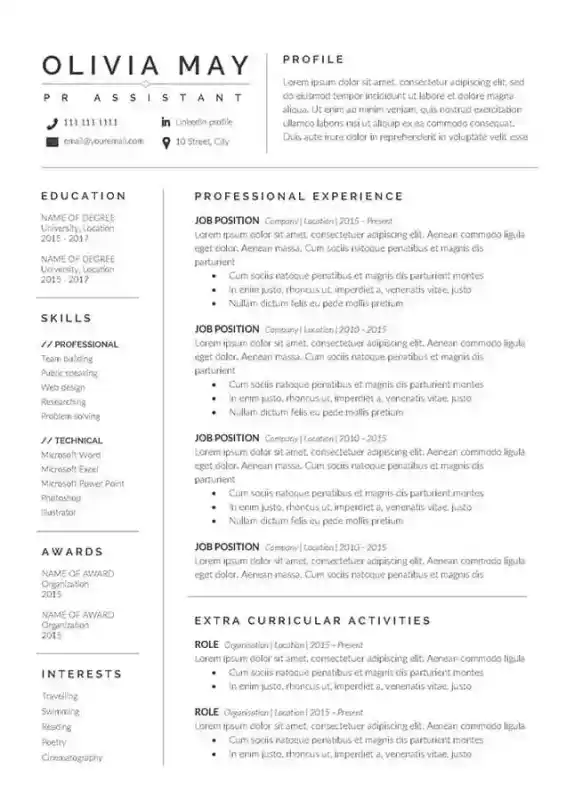

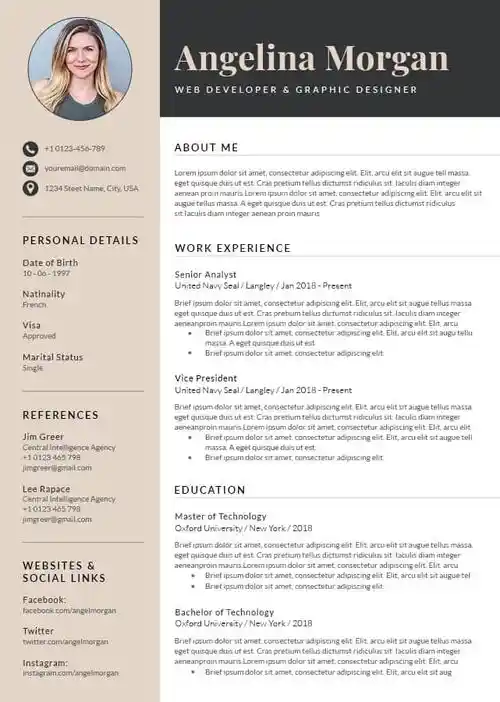
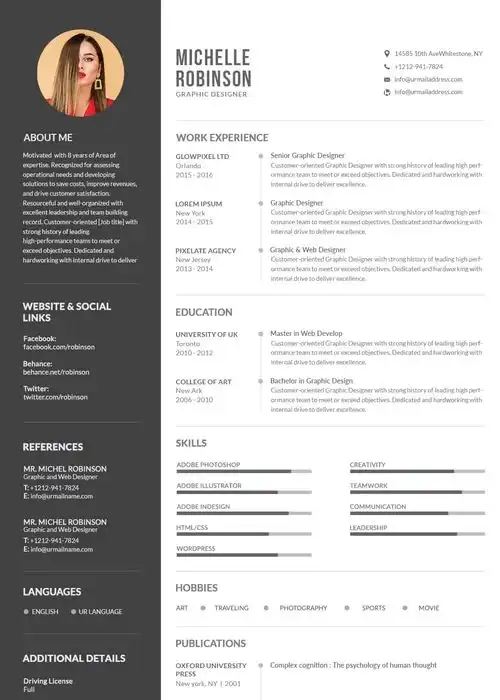

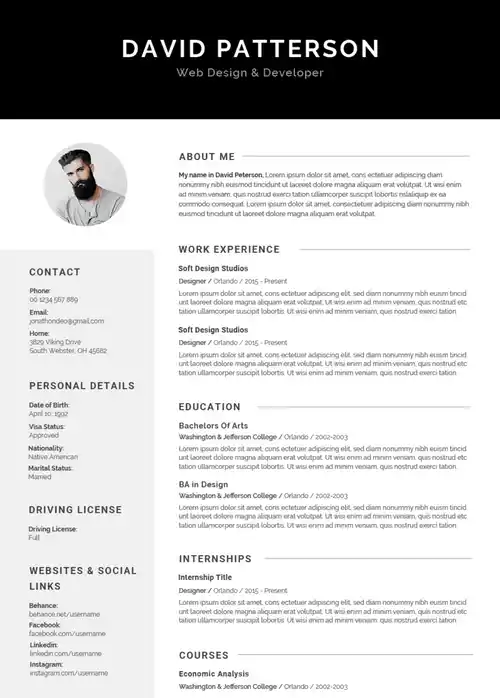


Why use a Word CV template?
Recruiters give your CV about 8 seconds to make an impression. And worse! The ATS are getting more and more involved. A professional Word CV template ensures your qualifications pass machine parsers and catch recruiters' attention immediately.
Our Word CV template solves these three key challenges:
- Pass applicant tracking systems - Most companies use software that rejects poorly formatted CVs. Our templates use standard headers, clean layouts, compatible fonts that parsing systems read correctly...
- Highlight what employers prioritize - Modern hiring focuses on skills and measurable achievements. Templates guide you to structure content that demonstrates real impact, not just job titles.
- Save hours of formatting work - Instead of wrestling with MS Word margins and alignment, you focus on showcasing your experience. Professional presentation signals attention to detail from the first glance.
A simple one-page format ? A modern design with photo options ? Or a traditional professional layout ?.... A well-structured template positions you as a credible candidate who understands hiring standards.
How to create your CV in Word
Creating a professional CV takes minutes with our streamlined process:
- Choose a template for your experience level: Select an ATS-friendly layout that matches your career stage, from entry-level to executive formats.
- Fill in your information: Use our online editor to add your details. No complex Word formatting required.
- Customize the design: Adjust colors, fonts, and layout elements to match your industry and personal brand.
- Download in your preferred format: Export as editable DOCX for future updates or professional PDF format to preserve formatting. Both are free to download and ready to send to employers.
The easiest way to build a professional CV
Stop wasting hours on formatting. Choose a free Word CV template, add your experience, and download your document… done in minutes.
Our ready-to-use templates give you the structure recruiters expect while letting you customize colors, fonts, and content to match your style. They work with hiring software and look professional on any device.
Pick your word CV style: modern, classical, or clean. A resume that get through the system and win the interview.
FAQ: Common questions about Word CV templates
Are Word CV templates ATS-friendly?
Yes. Most of our templates use standard formatting that applicant tracking systems read correctly: clean layouts, ultra compatible fonts like Arial and Calibri, and proper section headers that parsing software recognizes.
Do recruiters prefer Word or PDF format?
Both work well. Download as DOCX when you need to make quick edits between applications. Choose PDF when you want formatting to stay perfect across all devices and email systems. We provide both formats.
Can I customize colors and fonts?
Absolutely! Every template is fully editable in Word. Change colors, adjust fonts, add or remove sections, and upload your photo… all without breaking the ATS-friendly structure.


