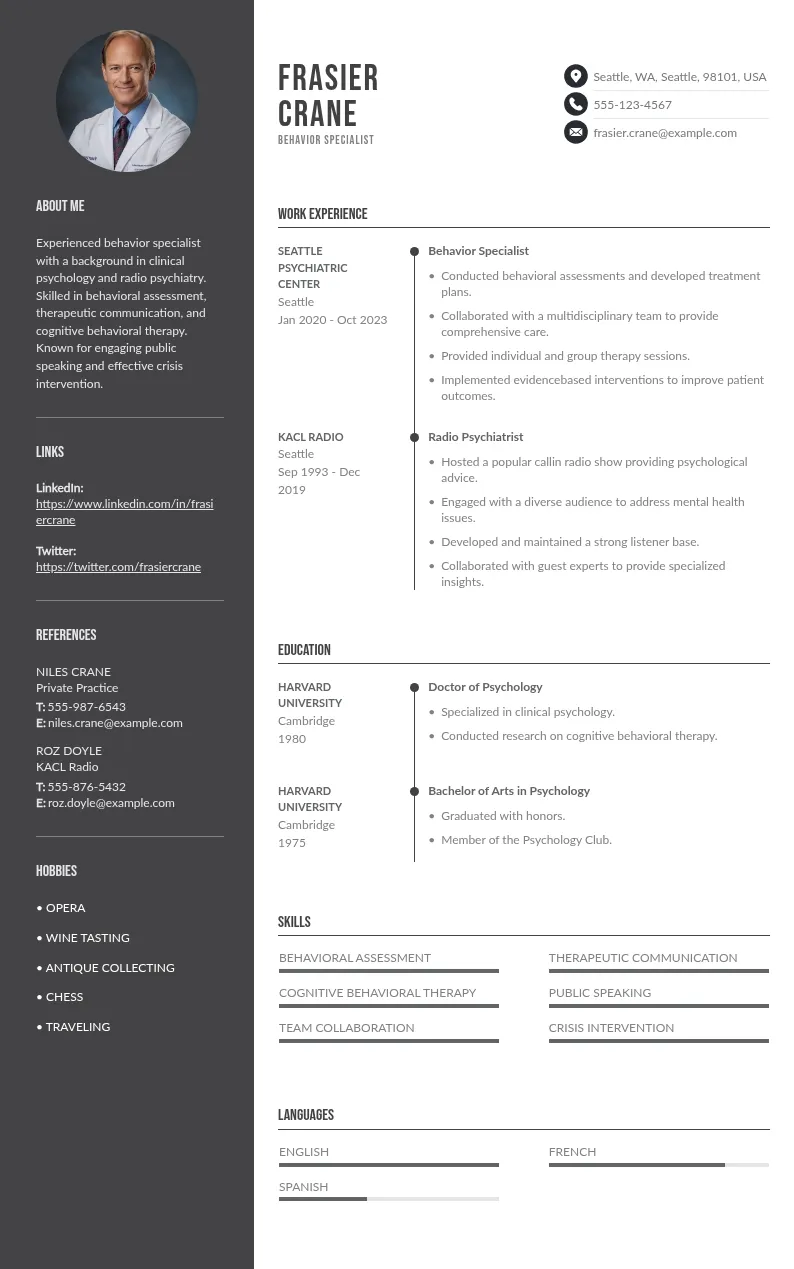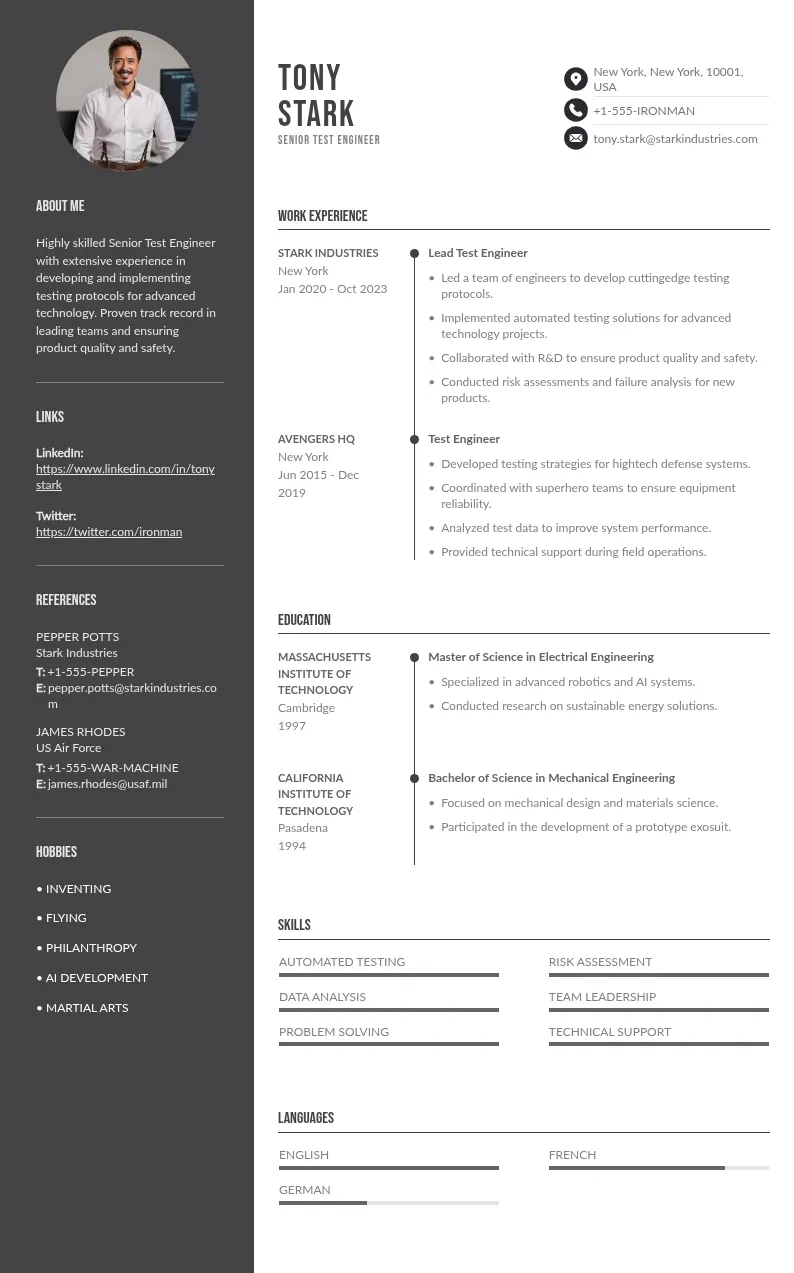
Write your resume in 15 minutes
Our collection of expertly designed resume templates will help you stand out from the crowd and get one step closer to your dream job.


This guide will show you exactly how to add Tableau certification to your resume, where to place it, real examples you can copy, and how to make it stand out to recruiters.
Where to Add Tableau Certification on a Resume
Choosing the right section depends on your experience, education, and overall resume structure.
1. Certifications Section (Best Placement)
The best place to add any certificate or license is a dedicated certifications section. This helps potential employers quickly identify your qualifications and expertise.
This option works best for:
- Fresh graduates
- Entry-level professionals
- Candidates with multiple certifications
2. Education Section
If you earned your Tableau certification recently or as part of a course, you can include it under the Education section.
This works well when:
- You are a student or a fresher
- The certification complements your degree
- You have limited work experience
3. Skills Section
You can also mention Tableau certification in your Skills section, especially when emphasizing technical tools. However, avoid listing it alone—combine it with related tools like SQL or Python.
 Example:
- Tableau (Certified Desktop Specialist)
- SQL Queries & Databases
- Data Modeling & Data Analysis
4. Summary Section (Optional)
Use this section to immediately draw attention to your certification.
Example:
Data Analyst with strong analytical skills and proficiency in Tableau. Certified professional with experience in building dashboards and supporting informed decisions.
How to Add Tableau Certification to Your Resume (Step-by-Step)
Adding your certification isn’t just about listing it, it’s about presenting it clearly and professionally.
Step 1: Use the Correct Certification Name
Always write the official certification name. Avoid abbreviations or informal versions.
CORRECT:
- Tableau Desktop Specialist
- Tableau Certified Data Analyst
Step 2: Add the Issuing Organization
Mention the organization that issued the certification. Tableau certifications are provided by Tableau, now part of Salesforce.
Example:
- Issued by Tableau (Salesforce)
Step 3: Include the Date of Certification
Adding the date shows how up-to-date your knowledge is. If the certification expires, include the validity period.
Example:
- Issued: March 2025
Step 4: Add Credential ID or Link
If available, include the credential ID or verification link. This increases credibility and allows employers to verify your certification.
Step 5: Use Clean Formatting
Use a clean and ATS-friendly format. Keep it simple and consistent with the rest of your resume.
Example format:
- Tableau Desktop Specialist – Tableau (Salesforce), March 2025
Tableau Certification Resume Templates (Best Examples You Can Copy)
Using the right format for adding your Tableau certification can make your resume stronger and more relevant to the job description. Below are practical, copy-ready examples for different experience levels.
1. Fresher Resume Example
Certifications
- Tableau Desktop Specialist – Tableau (Salesforce), 2025
Projects
- Built interactive dashboards using Tableau and SQL queries to improve reporting accuracy
- Created data visualization reports for marketing datasets to support data-driven decisions
Best for candidates with no work experience but strong project work.
2. Experienced Professional Example
Certifications
- Tableau Certified Data Analyst – Tableau (Salesforce), 2024
Experience
- Developed Tableau dashboards that improved reporting efficiency by 40%
- Worked with large databases and data modeling techniques to build scalable dashboards
Best for professionals who want to demonstrate real business impact.
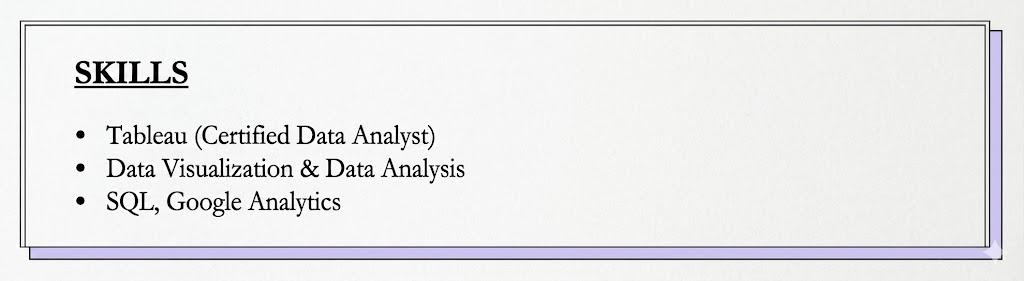
3. Skills-Based Resume Example
Skills
- Tableau (Certified Data Analyst)
- Data Visualization & Data Analysis
- SQL, Google Analytics
Best for highlighting technical skills when applying for data analytics roles.
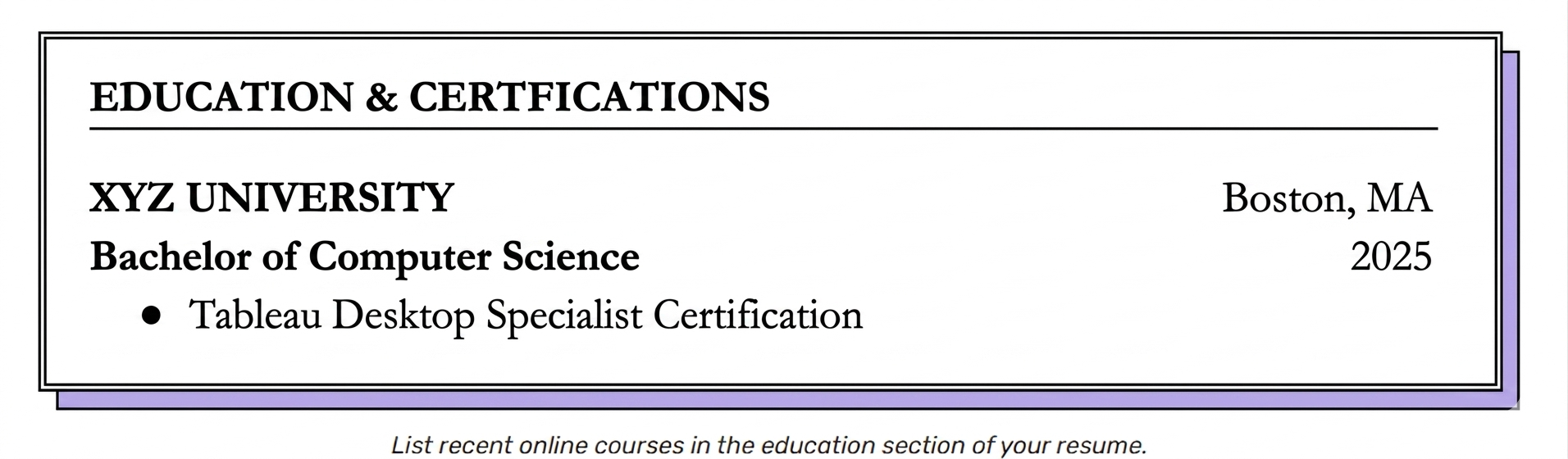
4. Education Section Example
XYZ University, 2025
Bachelor of Computer Science
- Tableau Desktop Specialist Certification
Best for students or recent graduates with limited experience.
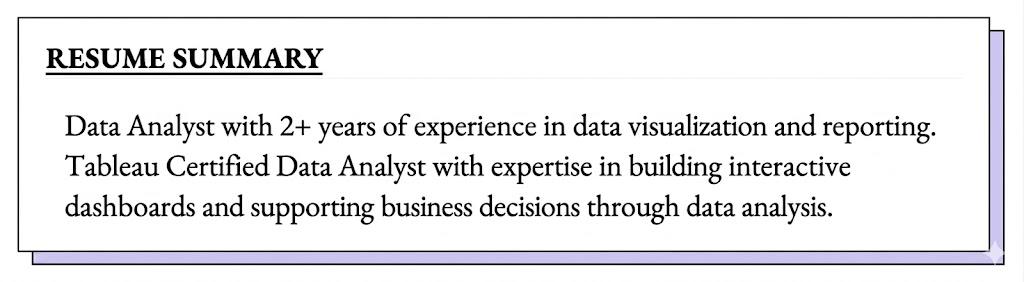
5. Resume Summary Example
Data Analyst with 2+ years of experience in data visualization and reporting. Tableau Certified Data Analyst with expertise in building interactive dashboards and supporting business decisions through data analysis.
Helps immediately grab the hiring manager’s attention.
6. Strong vs Weak Example (Important)
 Weak:
Weak:- Tableau Certification
Strong:
- Tableau Certified Data Analyst – Tableau (Salesforce), 2025 | Built dashboards that improved reporting efficiency by 30%
ATS Optimization Checklist for Tableau Certification
Use this checklist to ensure your resume is optimized for ATS systems and recruiters:

Keyword Optimization
Include exact keywords:
- Tableau Certified Data Analyst
- Tableau Desktop Specialist
- Data Visualization
- Dashboard Development
Placement Strategy
- Add in Certifications section (primary)
- Mention once in Skills or Summary
Contextual Proof
Always combine certification with:
- Tableau dashboards
- SQL integration
- Business impact
Formatting Rules
- Avoid graphics or icons
- Use simple text format
- Keep the structure clean and readable
Verification Signals
- Add credential ID or link (if available)
How Recruiters Evaluate Tableau Certification on a Resume
A hiring manager evaluates more than just your certification.
What Matters:
- Relevance to the job description
- Proof of knowledge through projects
- Alignment with industry practices
- Ability to demonstrate real results
What Doesn’t Matter:
- Listing certification without examples
- No connection to actual job responsibilities
Key Insight:
Certification gets attention, but projects get interviews.
Tableau Certification vs Tableau Projects: What Matters More?
Both are important—but they serve different purposes.
Best Strategy:
Combine both to improve your chances in the job market and land your next job.
Example:
Tableau Certified Data Analyst with experience building dashboards that reduced reporting time by 35%.
Best Tableau Certifications to List on a Resume
Not all certifications carry the same value. Listing recognized Tableau certifications improves your credibility.
Tableau Desktop Specialist
This is an entry-level certification that validates foundational Tableau skills. It’s ideal for beginners and freshers.
Tableau Certified Data Analyst
This certification demonstrates advanced skills in data analysis, dashboard creation, and storytelling. Employers highly value it.
Tableau Server Certified Associate
This certification focuses on server management and deployment, making it suitable for professionals working with enterprise-level data systems.
Make Your Tableau Certification Stand Out
1. Use Tableau-Specific Action Words
Instead of generic verbs, use:
- Built dashboards using calculated fields and LOD expressions
- Optimized performance using data extracts and filters
- Designed dashboards with parameters and actions
- Integrated SQL data into Tableau
2. Highlight Tableau-Specific Metrics
Use measurable impact:
- Reduced dashboard load time by 40%
- Improved data refresh efficiency by 30%
- Increased stakeholder usage by 2x
- Reduced manual reporting time by 50%
3. Tailor for Different Roles
For Data Analyst Roles
Focus on insights and visualization
Built dashboards to analyze customer behavior and improve retention
For BI Analyst Roles
Focus on reporting and KPIs
Developed KPI dashboards for executive decision-making
For Data Engineer Roles
Focus on pipelines and integration
Connected SQL databases to Tableau and optimized data pipelines
4. Combine Tableau with Other Skills (With Purpose)
Why SQL + Tableau Matters
- SQL → Extracts and prepares data
- Tableau → Visualizes and communicates insights
Used SQL to extract sales data and built Tableau dashboards to improve forecasting accuracy
Should You Add Expired Certification?
Yes, but label it clearly:
Tableau Desktop Specialist – Tableau (Salesforce), 2022 (Expired)
Include it if:
- You still use Tableau
- It supports your experience
Common Mistakes to Avoid
Avoiding these mistakes ensures your certification adds value instead of weakening your resume.
1. Using Incorrect Certification Names
Always use the official certification name. Incorrect naming reduces credibility.
2. Poor Formatting
Avoid cluttered or inconsistent formatting. Keep it clean and professional.
3. Not Updating Expiration Dates
Some certifications expire. Make sure your resume reflects current validity.
4. Listing Without Proof of Skills
Certification alone is not enough. Support it with projects or experience.
Do Tableau Certifications Really Help You Get a Job?
Yes—but only when combined with practical skills.
- For freshers → proves foundational knowledge
- For professionals → validates expertise
ATS systems scan for keywords like “Tableau” and “certified,” but hiring decisions depend on your ability to demonstrate real-world impact.
Official Tableau Certification Resources
For accurate and updated certification details, refer to the official Tableau (Salesforce) pages:
- Tableau Desktop Specialist
- Tableau Certified Data Analyst
- Tableau Server Certified Associate
Conclusion
Knowing how to add Tableau certification to your resume correctly can make a big difference in your job search. The key is to place it strategically, format it properly, and support it with real-world projects.
A well-presented Tableau certification not only improves your credibility but also helps you pass ATS filters and attract recruiters. Take the time to optimize your resume, highlight your skills effectively, and position yourself as a strong candidate in the data field.
Create your resume with the best templates