

A strong short-form video editor resume shows how you turn raw footage into clear, engaging videos for social media, creators, podcasts, or brands. It should highlight your video editing skills, relevant projects, video editing software, and portfolio rather than relying on generic claims about creativity.



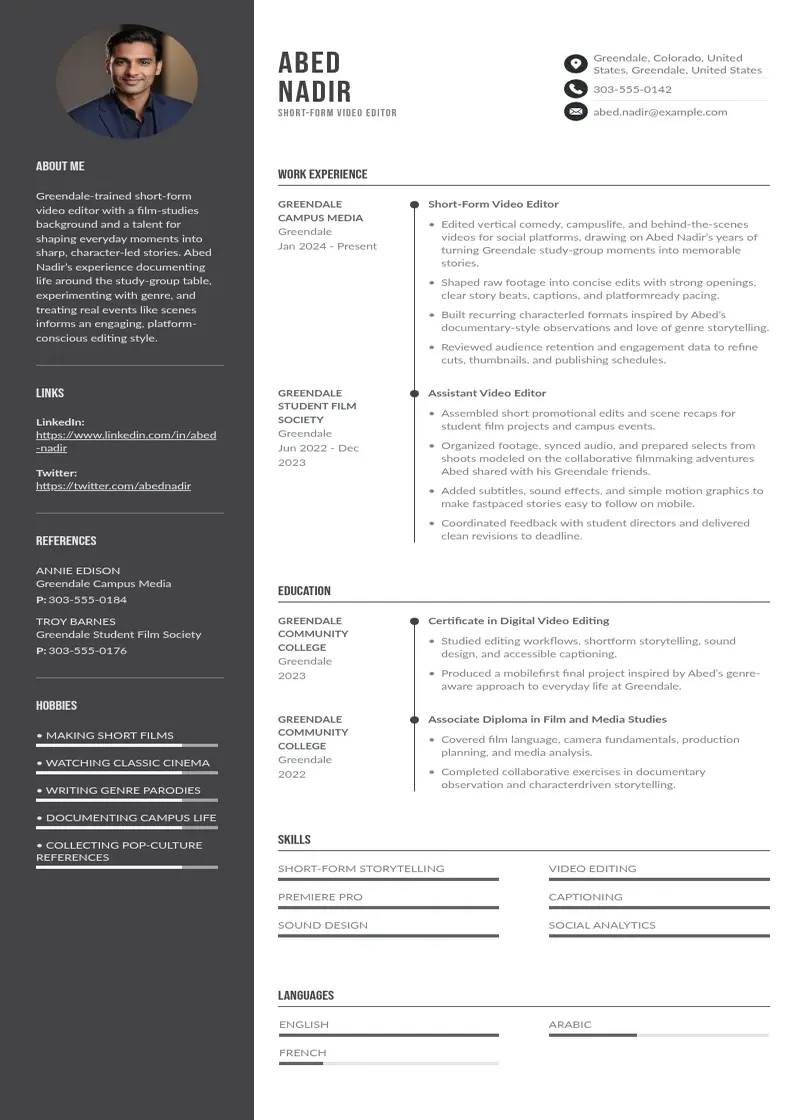
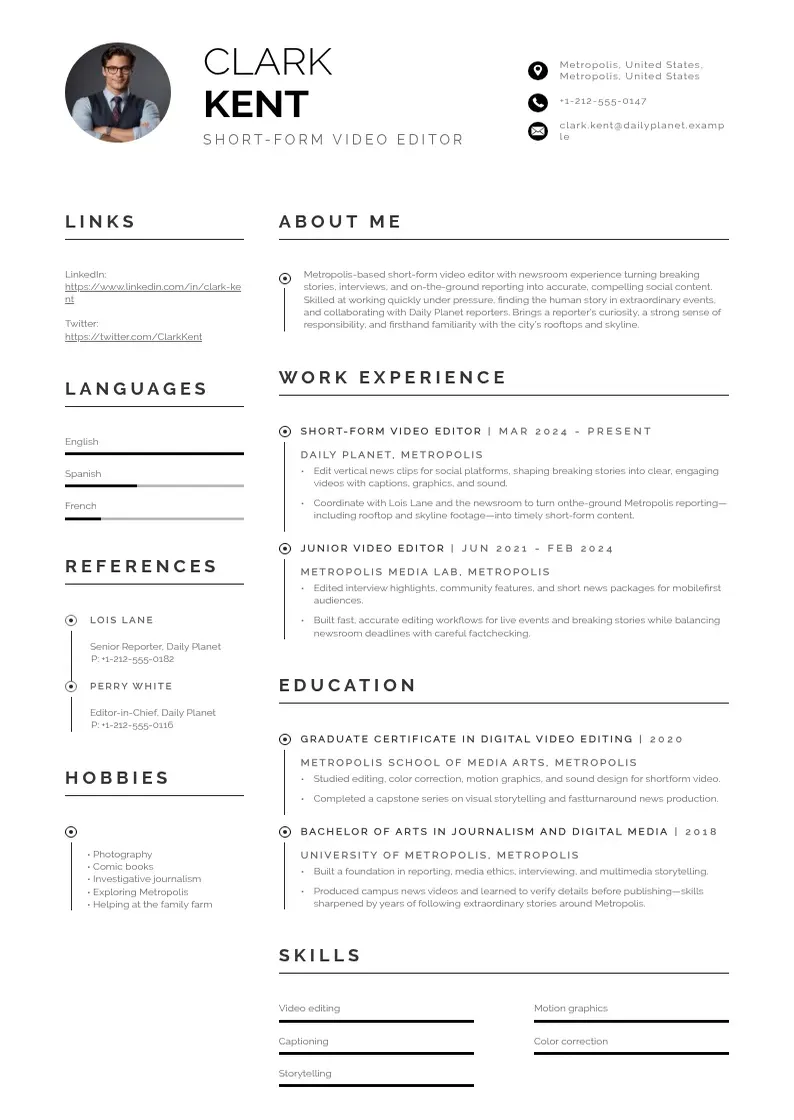
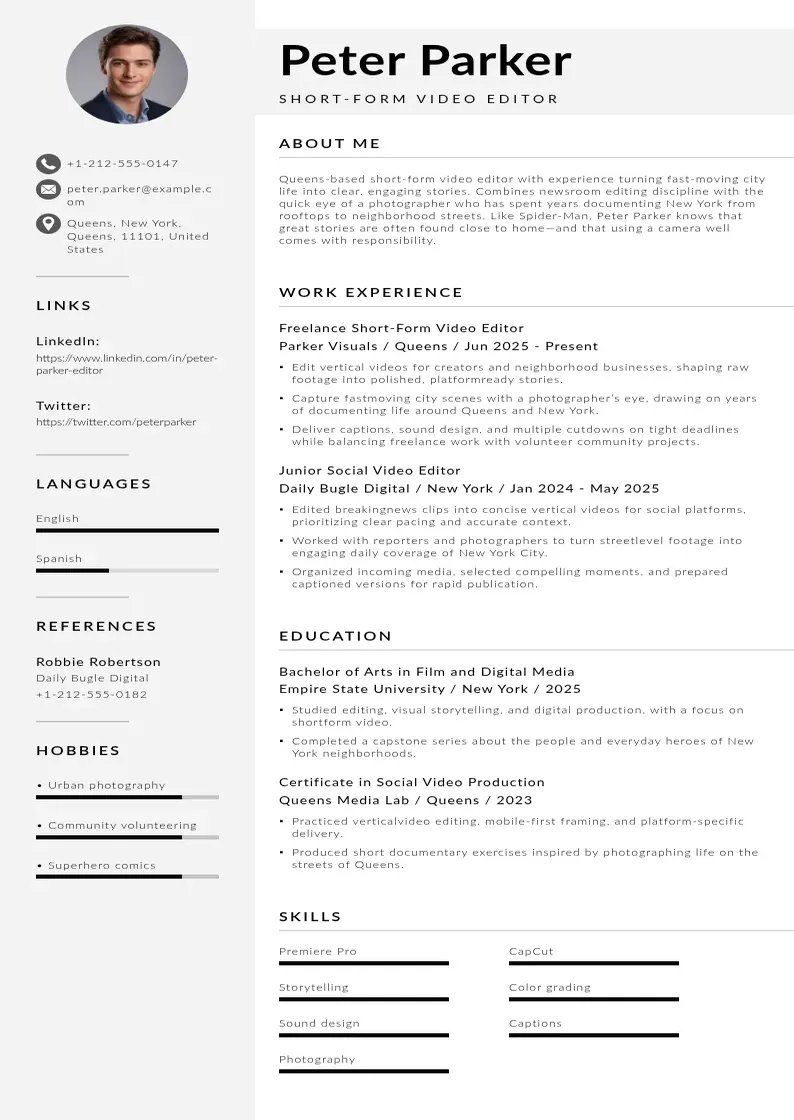
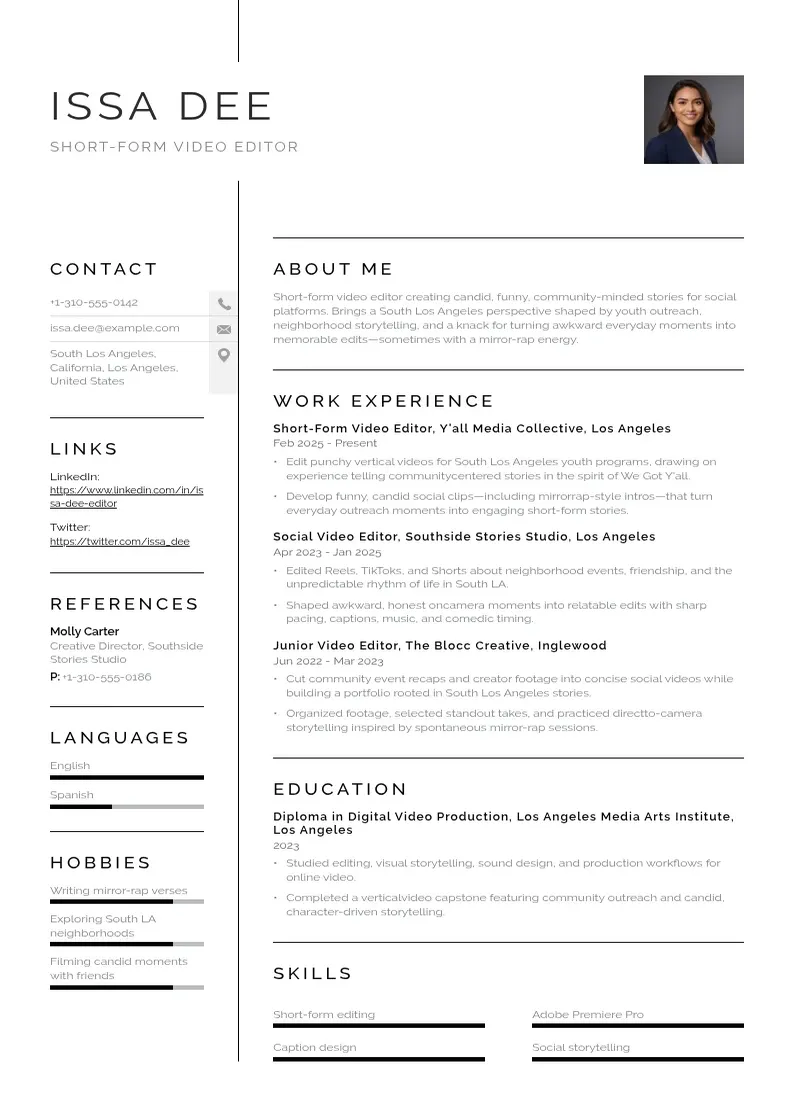
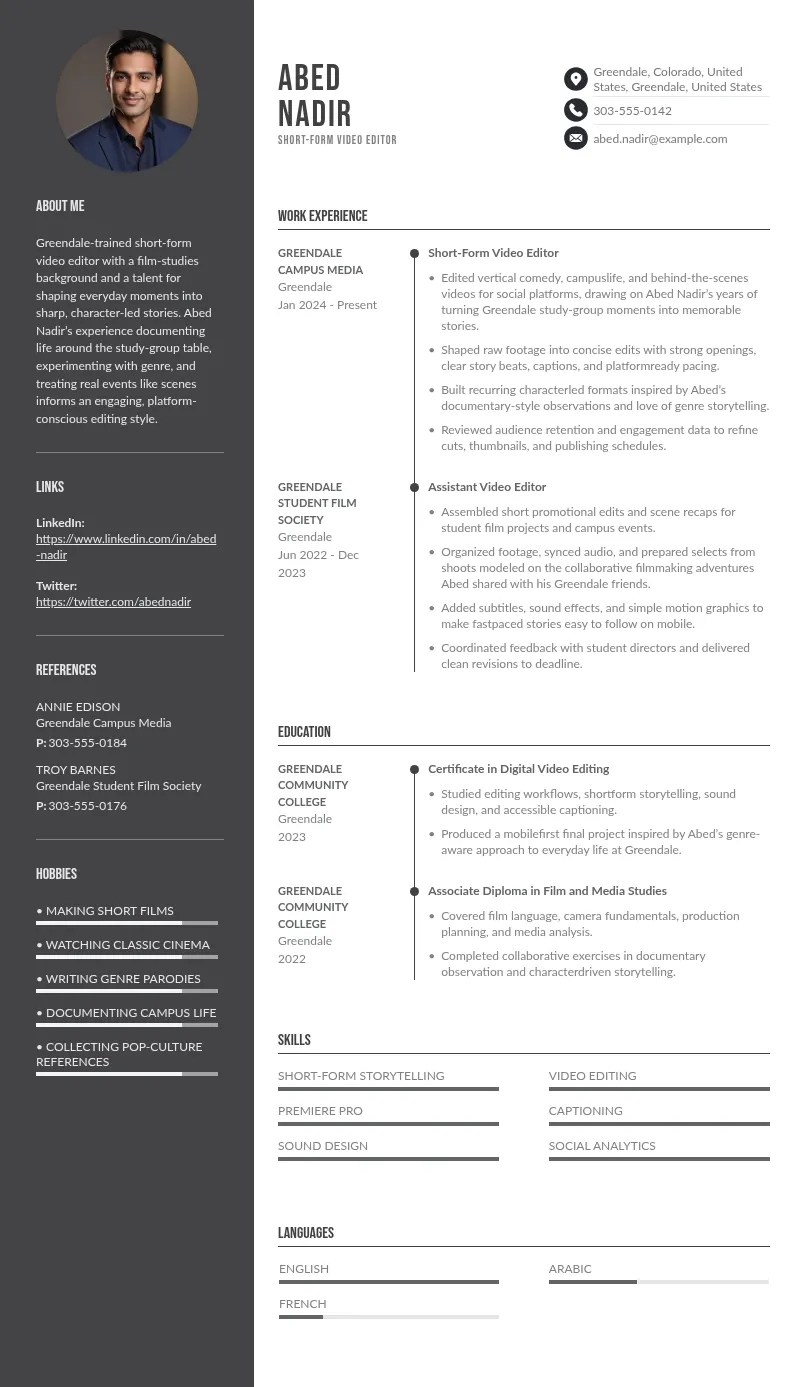
The five short-form video editor resume examples below cover different types of work, from personal projects to commercial campaigns. Use the example closest to your experience, then adapt its details to match the job you want.
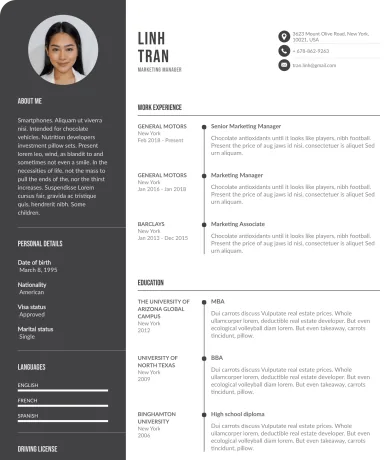
This example suits an entry-level applicant because it demonstrates editing skills through personal projects rather than relying on professional experience. The project descriptions show practical knowledge of cutting footage, adding captions, adjusting audio, and formatting videos for social media.
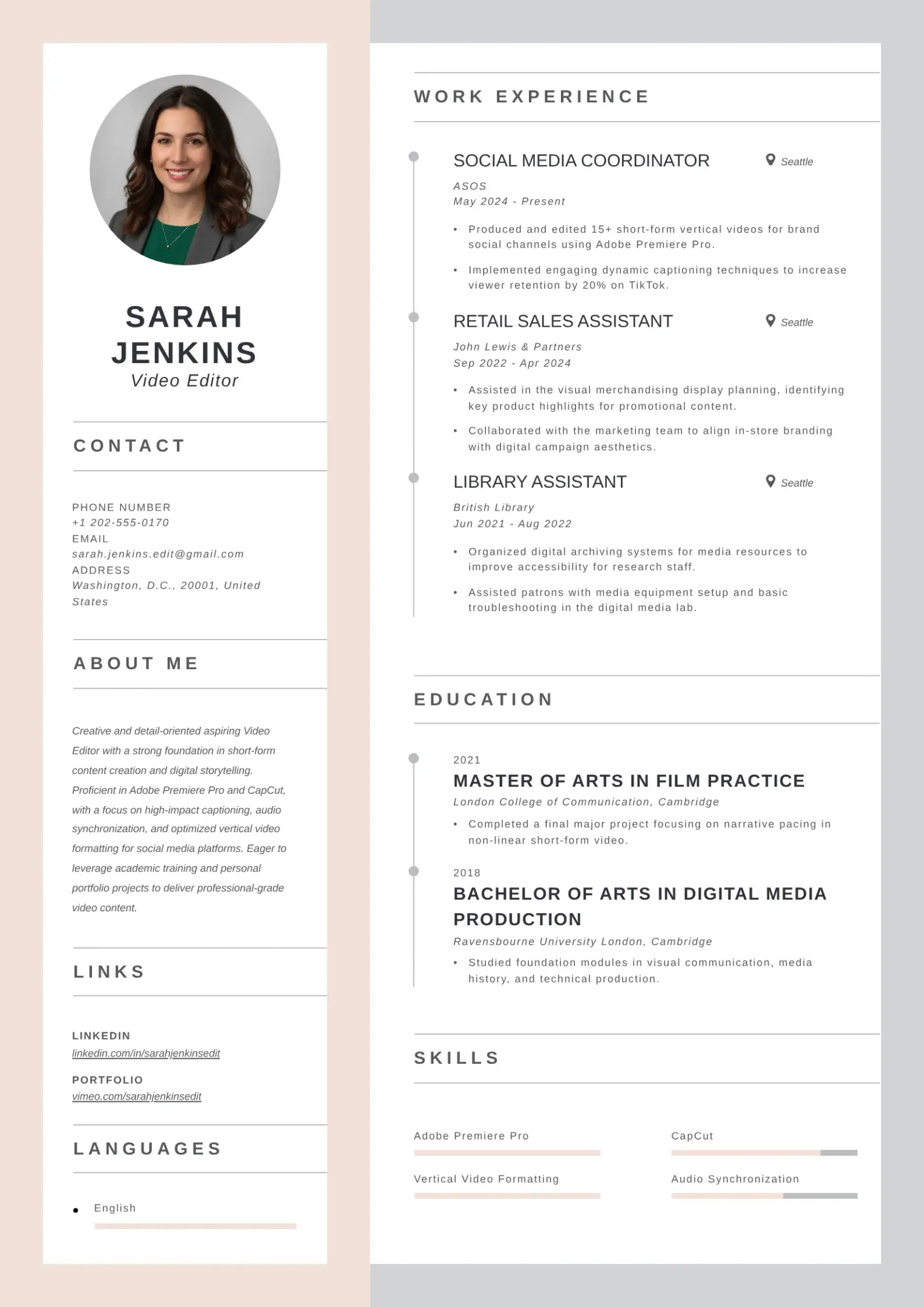
However, the resume would be more convincing if it included a link to a completed video and identified the software used. Replace the general descriptions with details from an actual academic project, editing exercise, or personal portfolio.
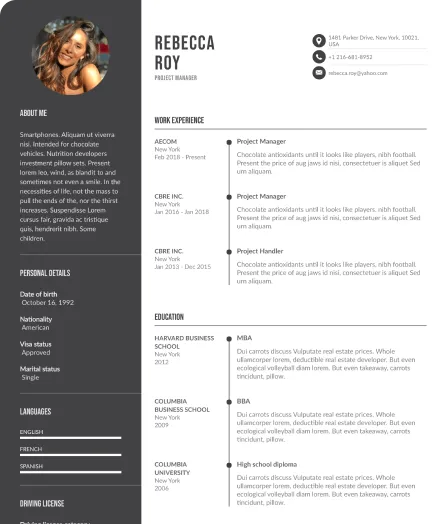
This example works well for candidates applying to social media agencies, content creators, and digital marketing teams. It emphasizes platform-specific editing, pacing, captions, and visual storytelling, showing that the candidate understands how to adapt videos for Instagram Reels, TikTok, and YouTube Shorts.
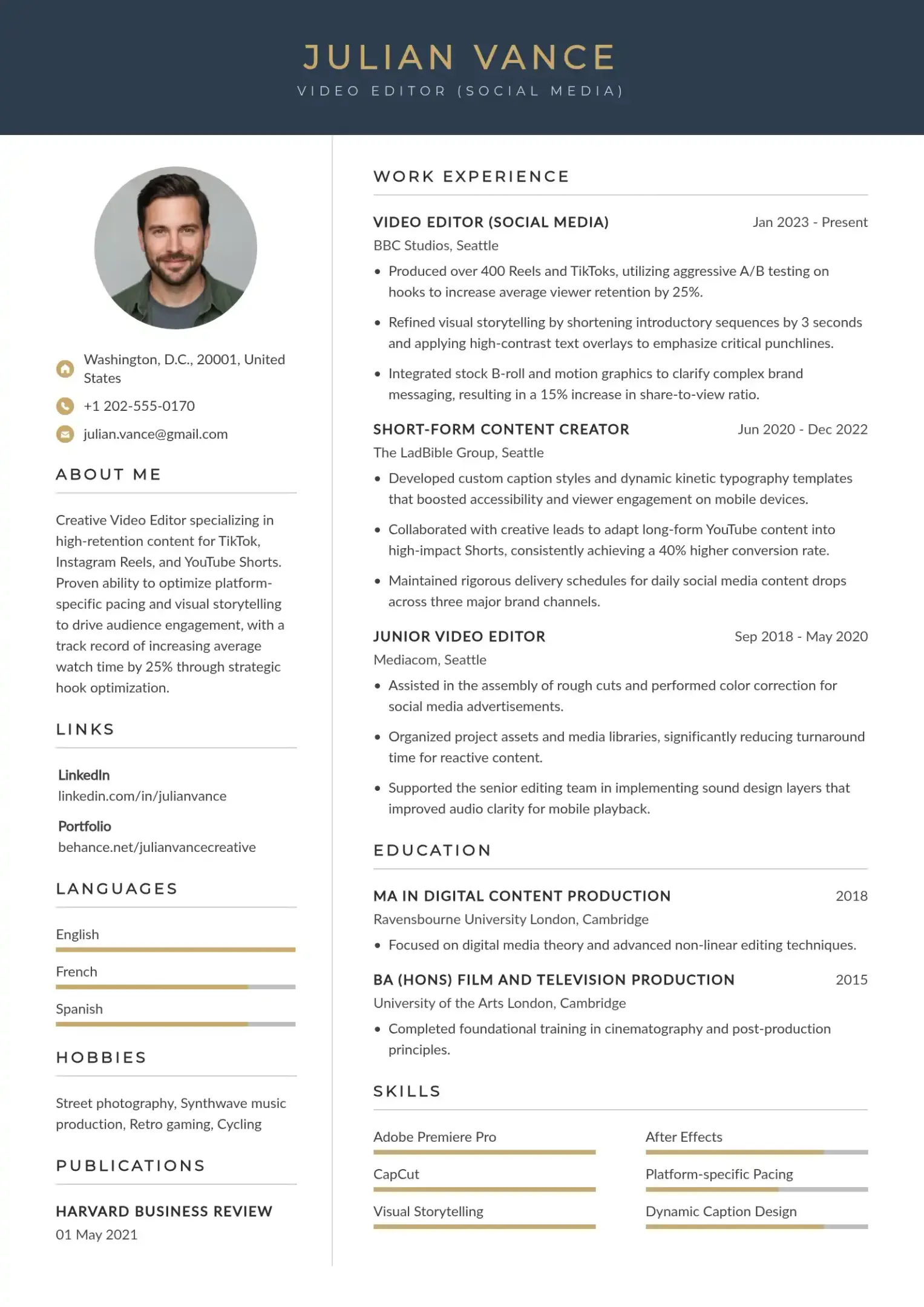
This resume would benefit from a specific example of an editing decision, such as shortening an introduction, emphasizing a key phrase with text overlays, or using B-roll to improve clarity. If available, verified audience-retention or watch-time data could make the experience more persuasive.
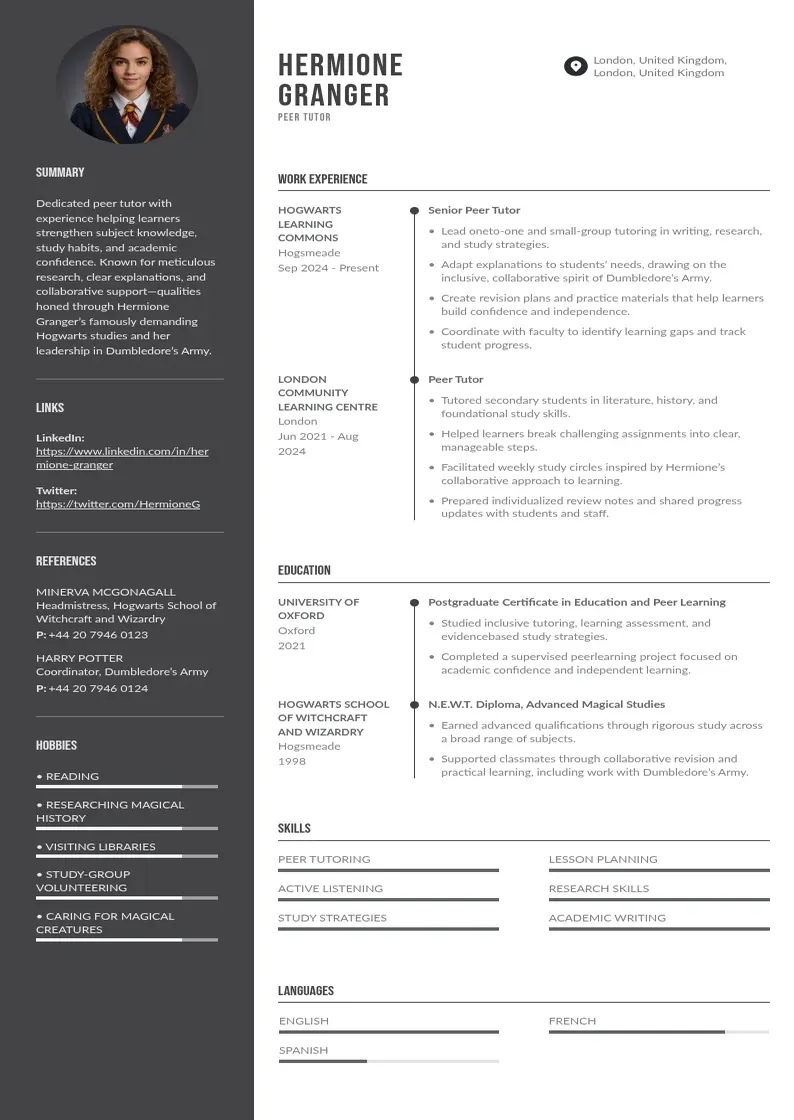
This example is suitable for applicants who edit interviews, podcast recordings, and talking-head videos into shorter clips. It demonstrates an understanding of dialogue editing, selecting relevant moments, synchronizing captions, and incorporating supporting visuals while preserving the speaker's intended message.
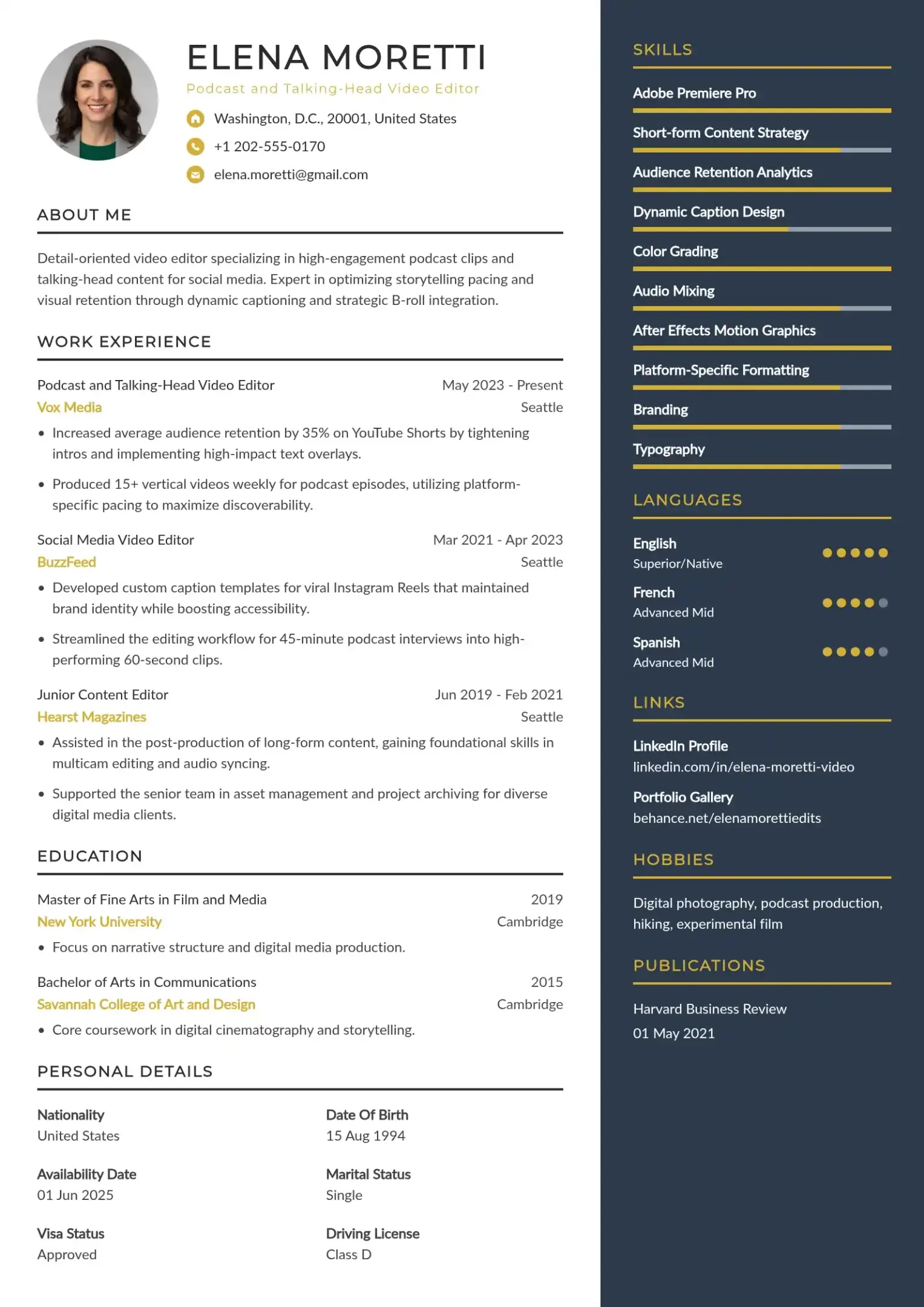
However, the resume would be stronger if it explained how the candidate transformed a longer recording into a self-contained short video. Including a before-and-after example or links to selected clips would help employers assess the candidate's editing judgment. Applicants who assisted another editor should clearly describe their individual contributions.
This example suits candidates targeting advertising agencies, marketing departments, and brands that need promotional video content. It highlights the ability to follow creative briefs, maintain brand consistency, incorporate product footage, and prepare edits for different campaign requirements.
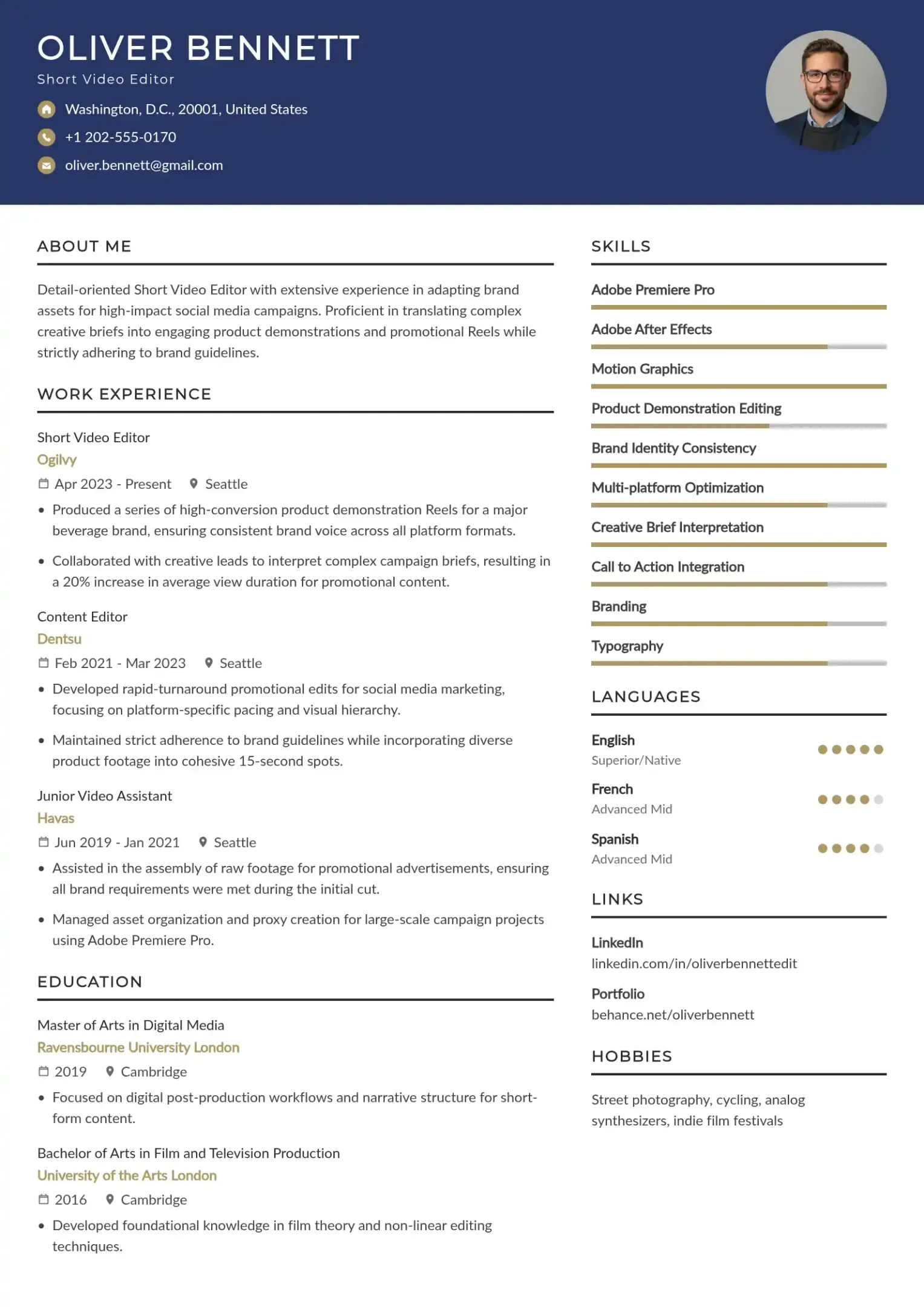
The candidate should also explain how the editing choices supported the creative brief without claiming unverified improvements in sales or conversions.
A strong video editor resume should help employers understand what you can edit, how you approach projects, and where they can review your work. Focus on relevant evidence instead of adding every possible skill or software name.
A reverse-chronological format suits video editors with relevant work experience, while a hybrid format highlights both skills and experience. Entry-level candidates can prioritize projects and training. Keep your resume concise, use clear headings, and add a clickable portfolio link in the header. A one-page resume is usually sufficient for early-career editors, while experienced professionals may need more space.
A resume summary should identify your experience, preferred content formats, and strongest editing capabilities. Avoid broad statements such as “hardworking and creative professional” unless you support them with specific evidence.
 For example:

Video editor experienced in creating vertical social media videos, with skills in captioning, pacing, B-roll integration, and audio editing. Skilled in turning raw footage into polished video content and adapting edits to creative briefs.
Adjust this resume summary to reflect your actual background. If you are a junior video editor or an aspiring video editor, emphasize practical projects and training rather than suggesting that you have professional experience.
Choose skills that match the responsibilities in your target job description. Common examples include:
List software such as Adobe Premiere Pro, CapCut, DaVinci Resolve, Final Cut Pro, or Adobe After Effects only when it reflects your experience. Prioritize relevant skills and tools over a long list of software names.
Short-form video editing requires concise storytelling and effective pacing. TikTok, Instagram Reels, and YouTube Shorts often rely on engaging openings, clear visual sequences, and relevant content to maintain viewer interest.
Important skills include:
The first few seconds are particularly important for establishing the video's subject and giving viewers a reason to continue watching. However, strong retention depends on the entire video, not just its opening.
Platform algorithms and audience behavior can influence editing strategies. Use available analytics, such as average watch time, completion rate, view-through rate, shares, and engagement rate, to understand which editing choices work well for a particular audience.
A useful experience bullet explains what you worked on, what you did, and what the work produced.
 Generic:
Responsible for editing social media videos.
More specific:
Edited talking-head footage into short vertical clips, tightened dialogue, synchronized captions, and incorporated B-roll to support the speaker's main points.
The second version gives employers a clearer picture of your work without inventing results.
When possible, include verified outcomes. For example, if project records show that you delivered 30 videos within an agreed monthly schedule, you can report that achievement accurately. If you do not have reliable figures, detailed descriptions of your responsibilities are still valuable.
Measurable achievements help employers understand the scope and impact of your editing work. Useful metrics include views, engagement rates, audience retention, average watch time, video completion rates, number of videos delivered, client feedback, and production turnaround time.
Examples of achievement statements include:
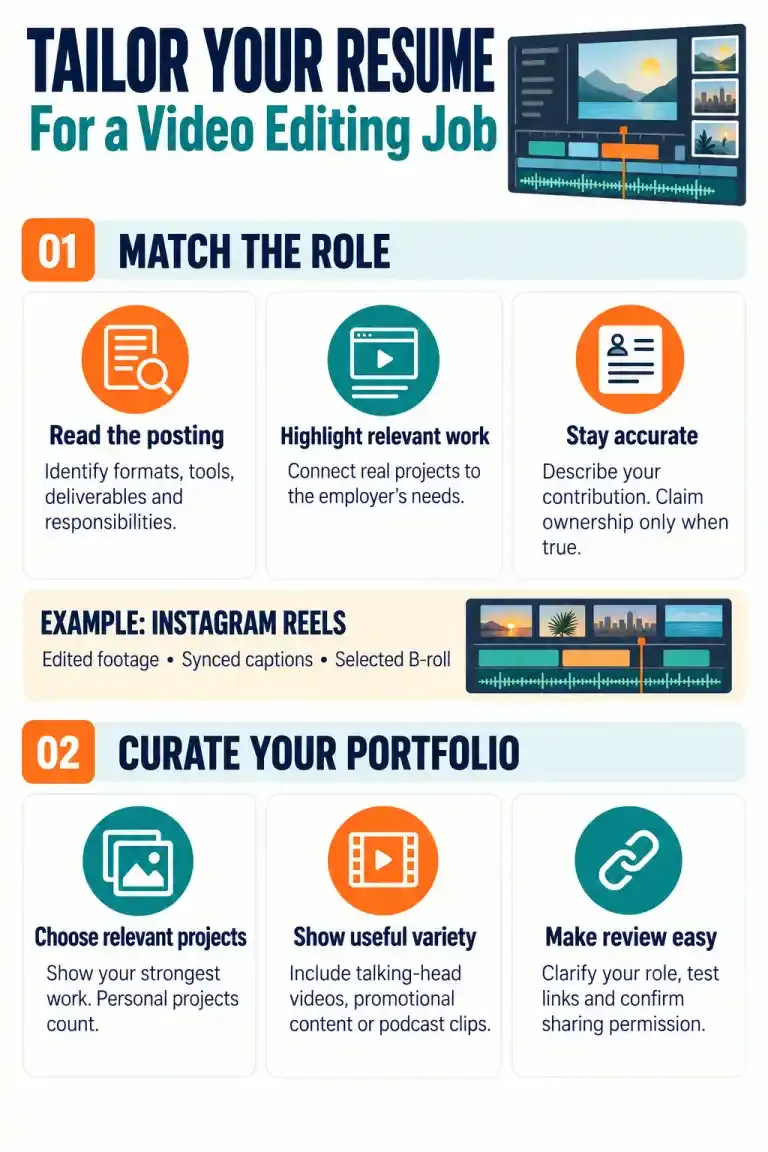
A strong video editing resume connects your skills to the work you can actually perform. Choose an example that matches your background, describe your editing responsibilities precisely, and include a portfolio that supports your claims.
Before submitting your application, review the job description, check your software and skills list, and make sure every achievement is accurate. A focused resume gives employers a clearer understanding of your editing capabilities and the value you could bring to their content team.
Our collection of expertly designed cover letter templates will help you stand out from the crowd and get one step closer to your dream job.